Let your team check for scams without asking IT
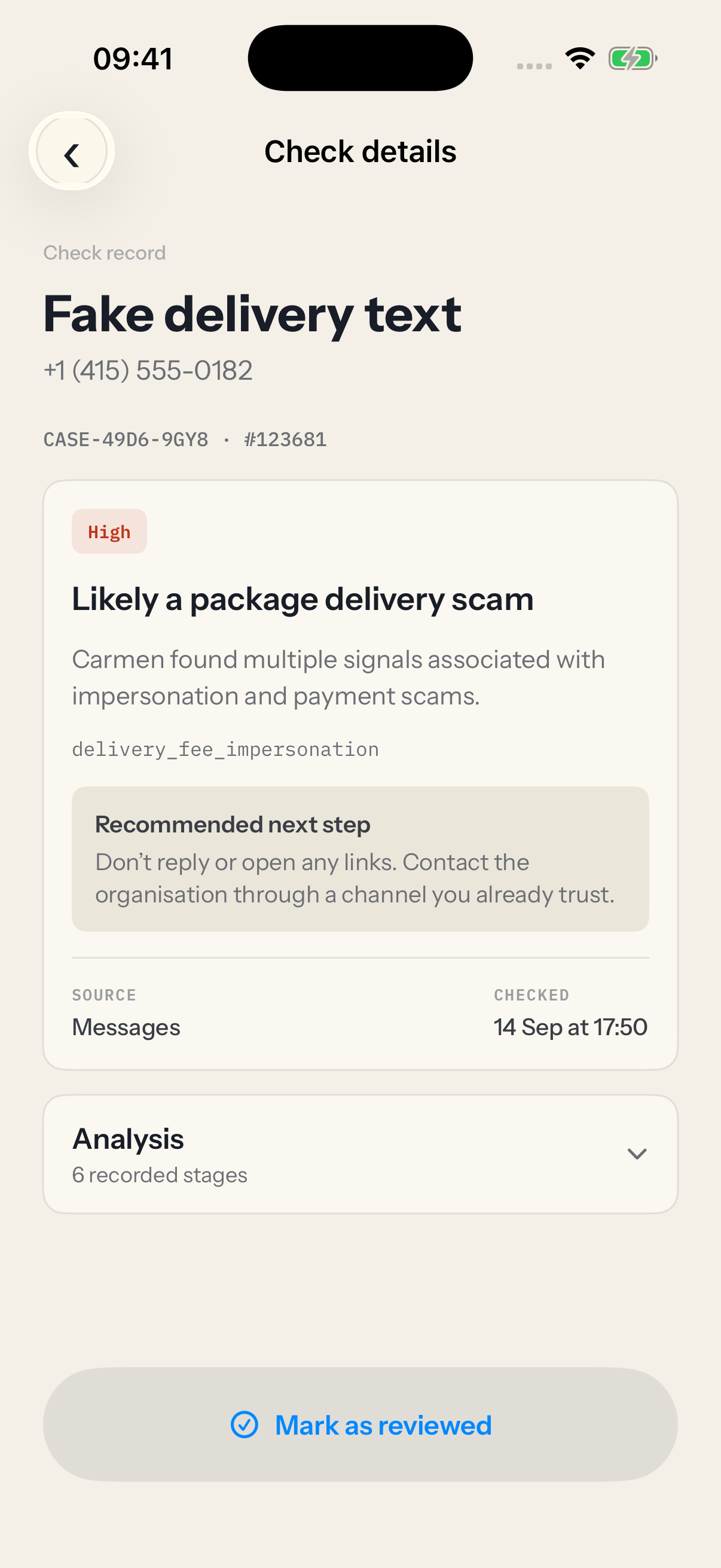
Staff paste a suspicious email or link and Carmen tells them the risk and what to do. IT sees every high risk case. Carmen works alongside your awareness training.
$9.99 a person a month. There is no minimum number of seats.
Fake supplier invoices and payroll changes by email cost a reported $3.0B in 2025, per the FBI IC3 2025 Annual Report.

How setup works
Each person gets an email with their steps. You can see who has finished, and there is nothing new for anyone to learn.
-
 1
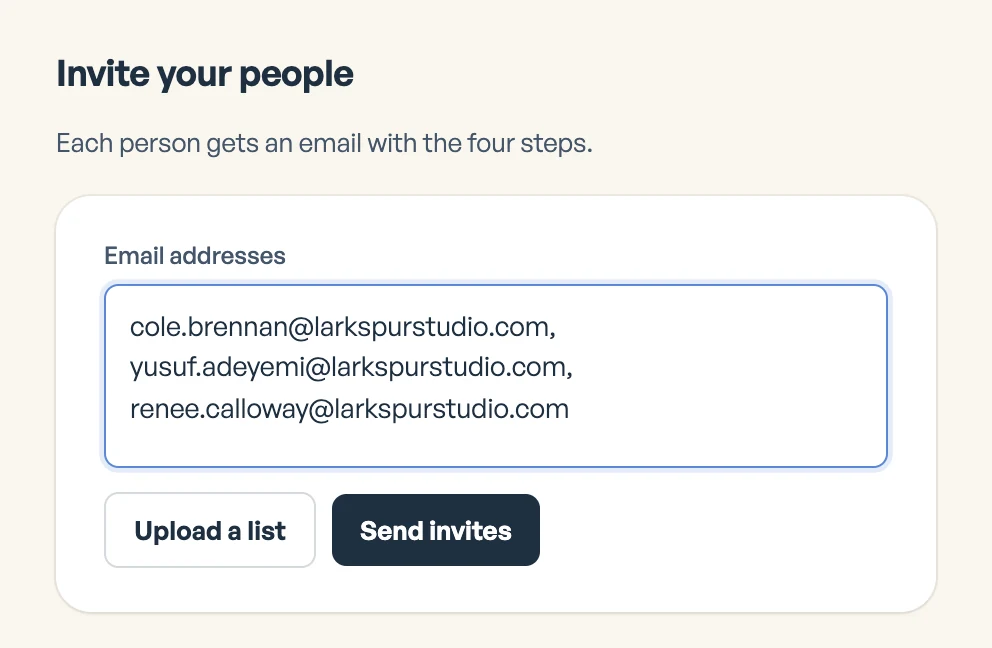
Invite your team
Paste their work emails, or upload a list.
-
 2
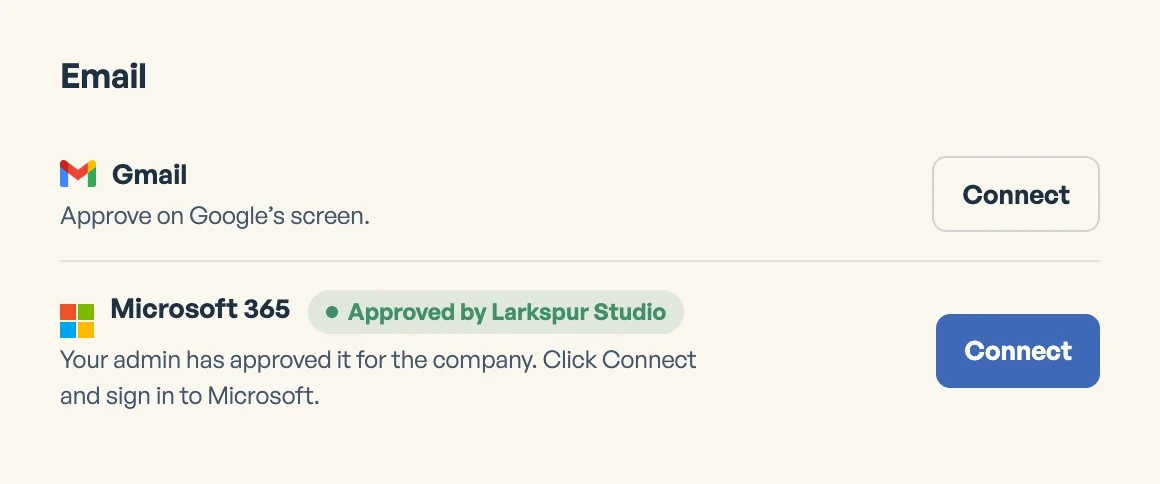
Each person connects
They connect their mailbox, the browser extension and the phone app.
-
 3
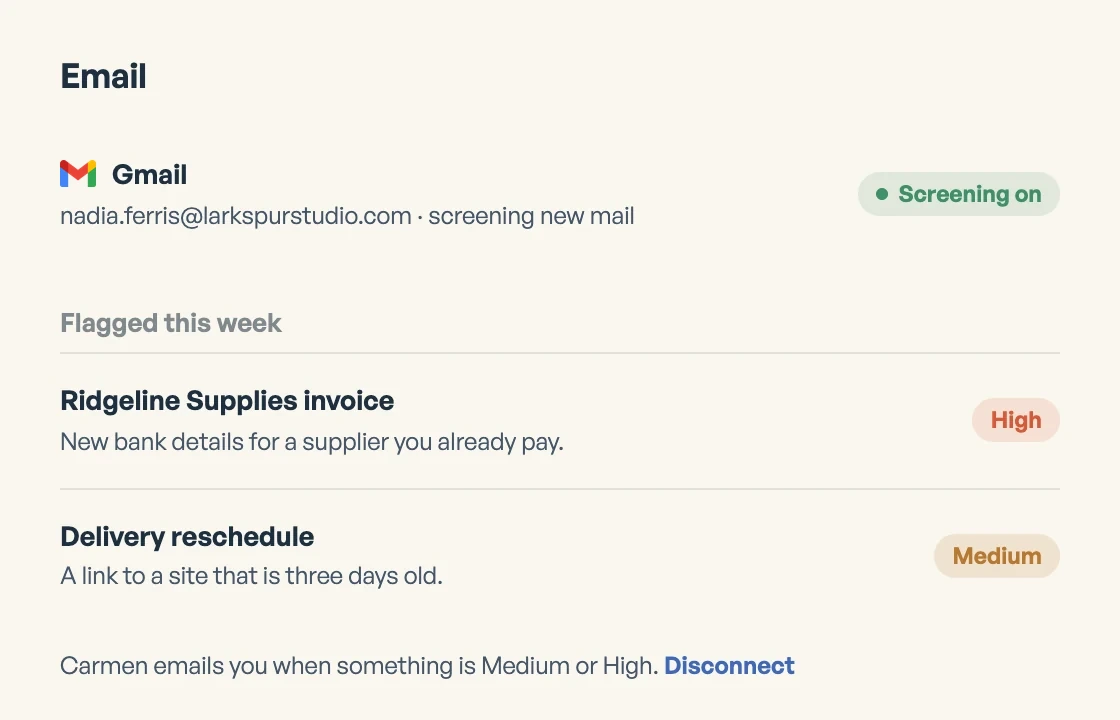
Carmen screens their mail
Mail is screened as it arrives, and any flags go to that person.
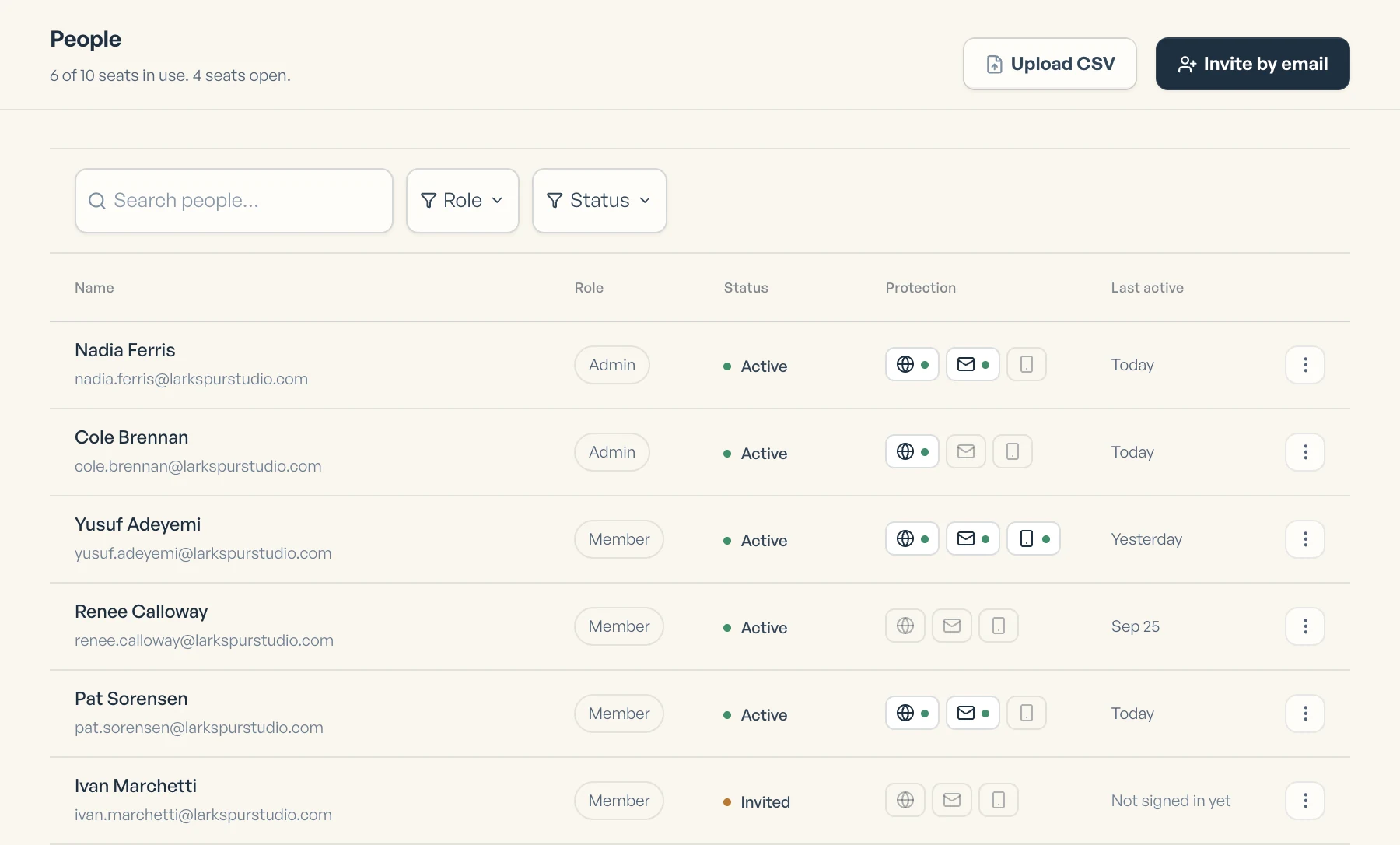
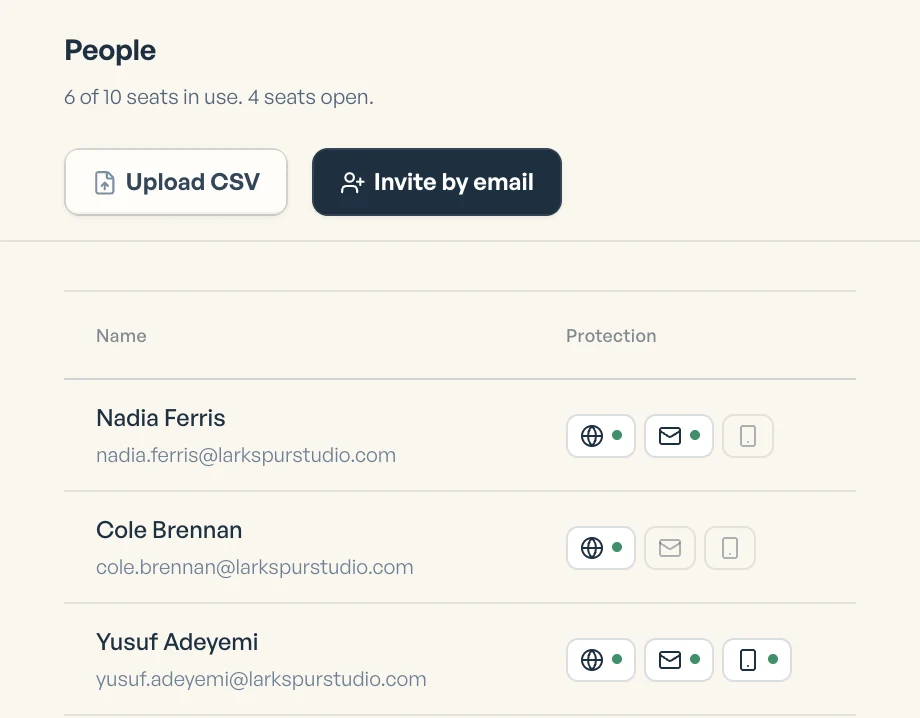
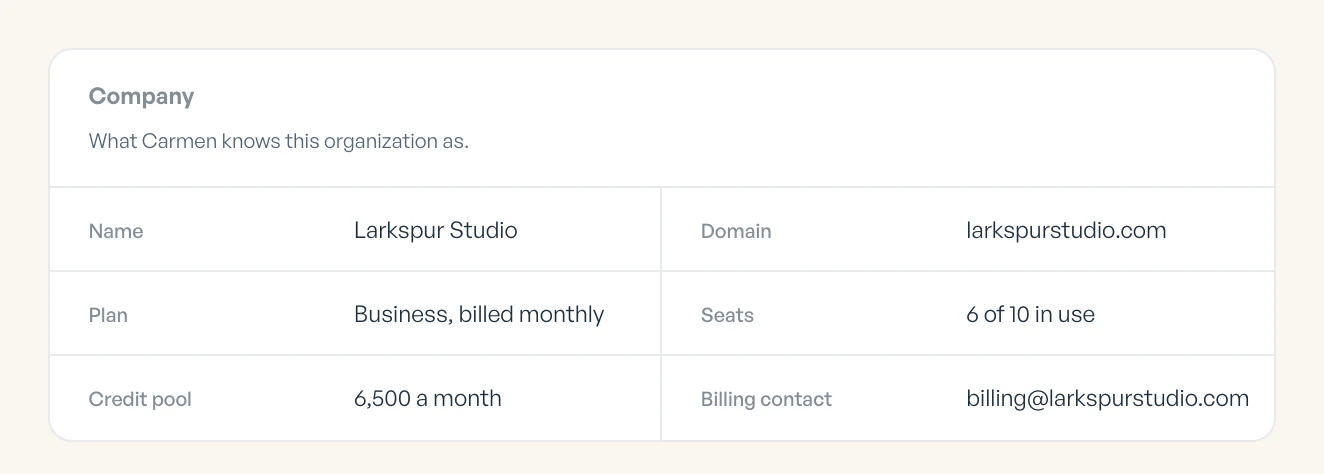
One page shows who is covered.
It shows the shared pool, who has each product on and who is using credits. Screening never uses credits from the pool.

- One pool for the company
- Who has each product on
- Credits used, by person
Credit packs and overage
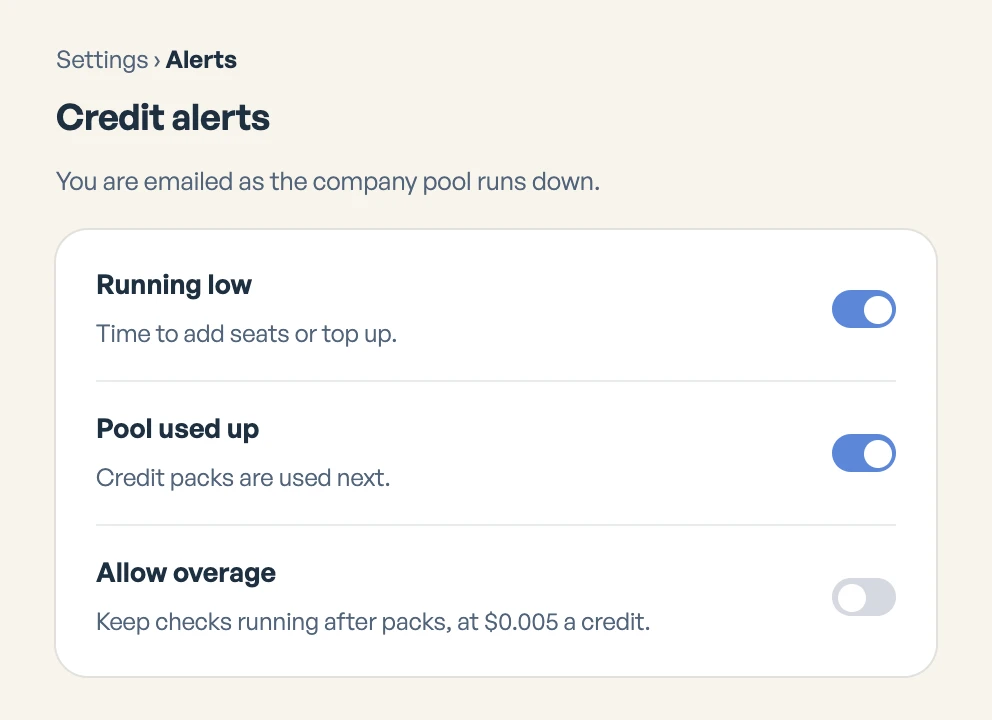
You hear from us as the pool runs low. Packs are used next, before overage, and never expire.
- $102,200 credits
- $204,800 credits
- $4010,000 credits
After packs, checks carry on at $0.005 a credit only if an admin turns overage on. The monthly pool does not roll over.
Privacy and security
- No person at Backgrounder reads your team’s mail unless you ask for expert help.
- Carmen shows a warning and leaves the decision to the person.
- Carmen Guardian screens texts from unknown numbers and never screens phone contacts.
- Carmen Email works behind your existing email gateway and does not replace it.
How Carmen compares
Keep your email filter and your training. Carmen checks the messages that still reach your staff, and IT sees every high risk case.
| Proofpoint | Microsoft Defender | KnowBe4 | Carmen | |
|---|---|---|---|---|
| What it does | Filters email before delivery | Blocks phishing in Microsoft 365 | Trains staff with phishing tests | Checks the message in front of you |
| What it covers | Email, links and attachments | Email, Teams and Office files | Training and test emails | Email, web pages and texts |
| Who gets the answer | IT and admins | IT, plus link warnings | IT, when staff report | The person asking, and IT |
| Setup | MX change or API | Built in, admin sets policies | Import users, enrol in training | Connect your mail, no MX change |
Details for Proofpoint, Microsoft Defender and KnowBe4 are from each company's own product pages and documentation, October 2026.
What is a seat?
A seat is one person. It covers their mailbox, their browser and their phone, so you never count devices.
Does screening use credits?
No. Checking mail, pages and texts as they arrive is included with every seat and never counted. Credits are only for checks someone chooses to run.
Is there a minimum?
No. Start with one seat and add people as you go. Every seat is $9.99 a month.
What if someone leaves?
Remove their seat from the People page. The pool stays at the paid level until it renews.
Can we pay yearly?
Yes. $99.90 a seat a year, which is two months free.