Invite and manage people.
Coming with the company portal.
Seats, roles, and who sees what.
01
Invite
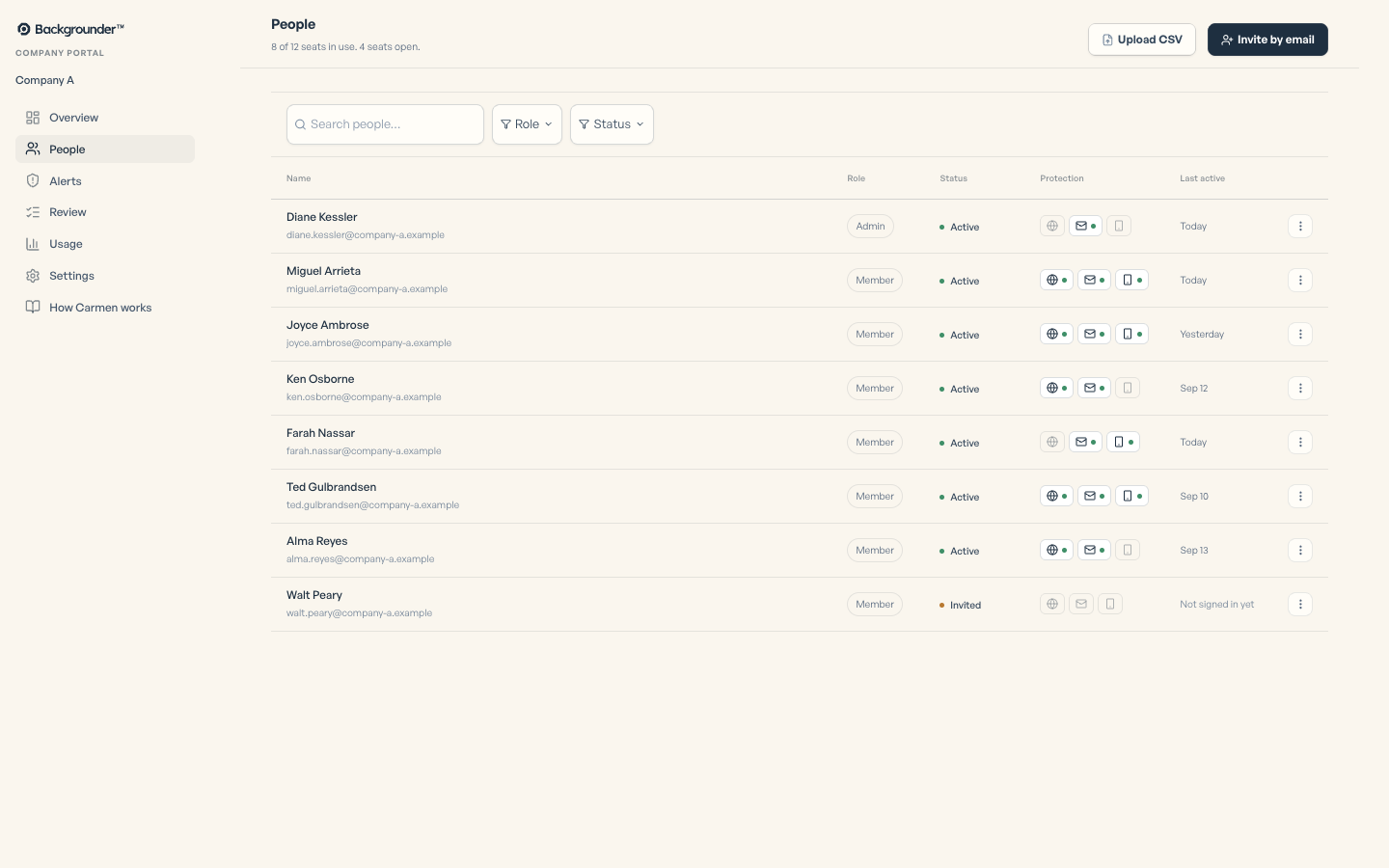
Go to People, then choose Invite by email or Upload a CSV. Each invite uses a seat you have paid for; buy more seats in Settings if you run out. Duplicates and bad addresses are reported per row.
Company portal
02
Roles
There are two roles: Admin and Member. Admins see the company portal. Members see their own Carmen. Change a role from the row menu.
Company portal
03
Remove someone
Open the row menu and choose Remove. The person loses access and their seat opens for someone else.
Company portal
04
Add another admin
Invite the person the same way, then choose Make admin.
Company portal
05
Alerts
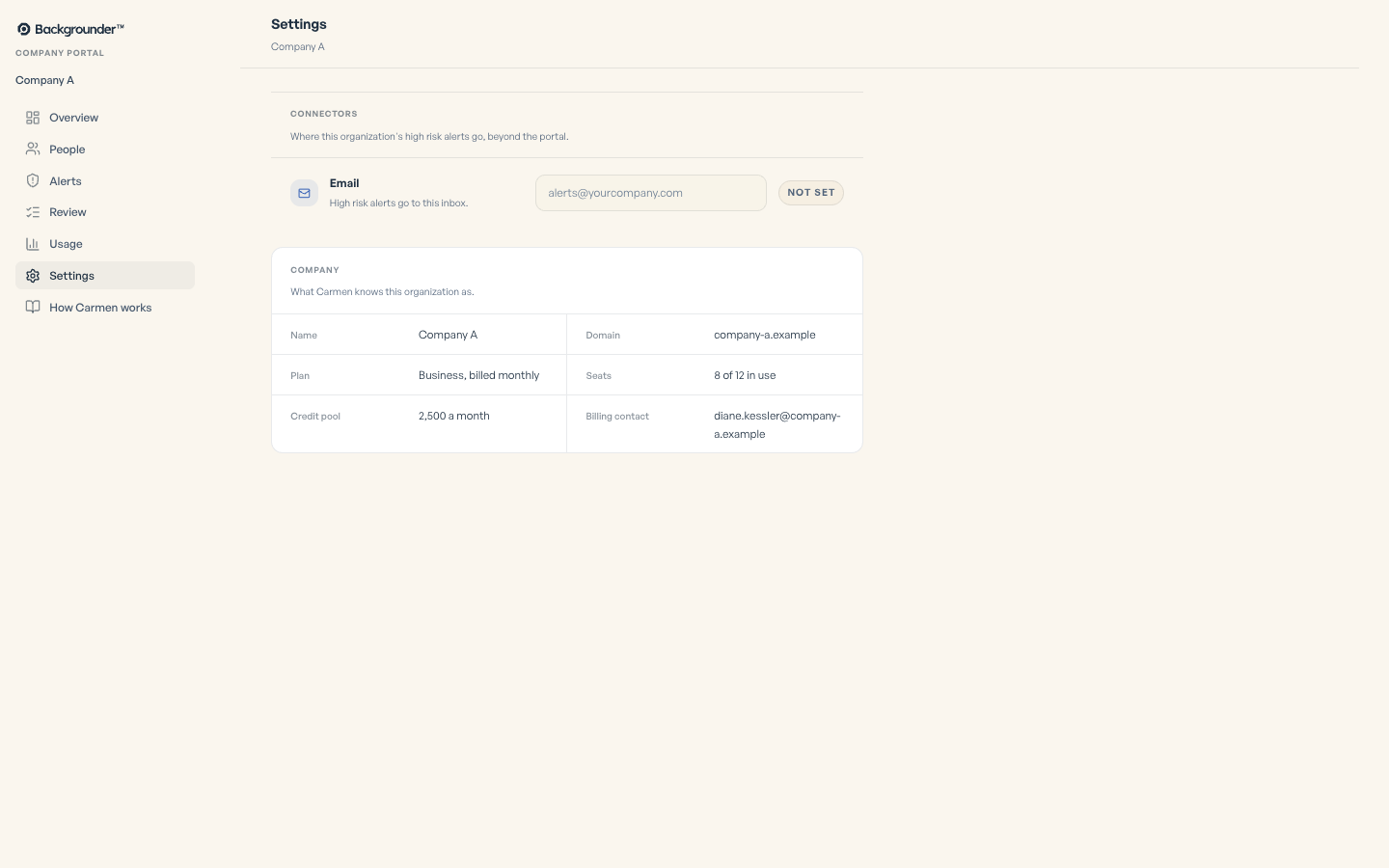
Set the address that gets every High risk alert.
Carmen emails the admin when 85 percent of the credit pool has been used, and again at 95 percent.
Company portal
If it did not work
- Invite not received: check spam, then resend from People.