Alerts and the review queue.
Coming with the company portal.
What Carmen flagged, who owns it, and what happened next.
Where alerts come from
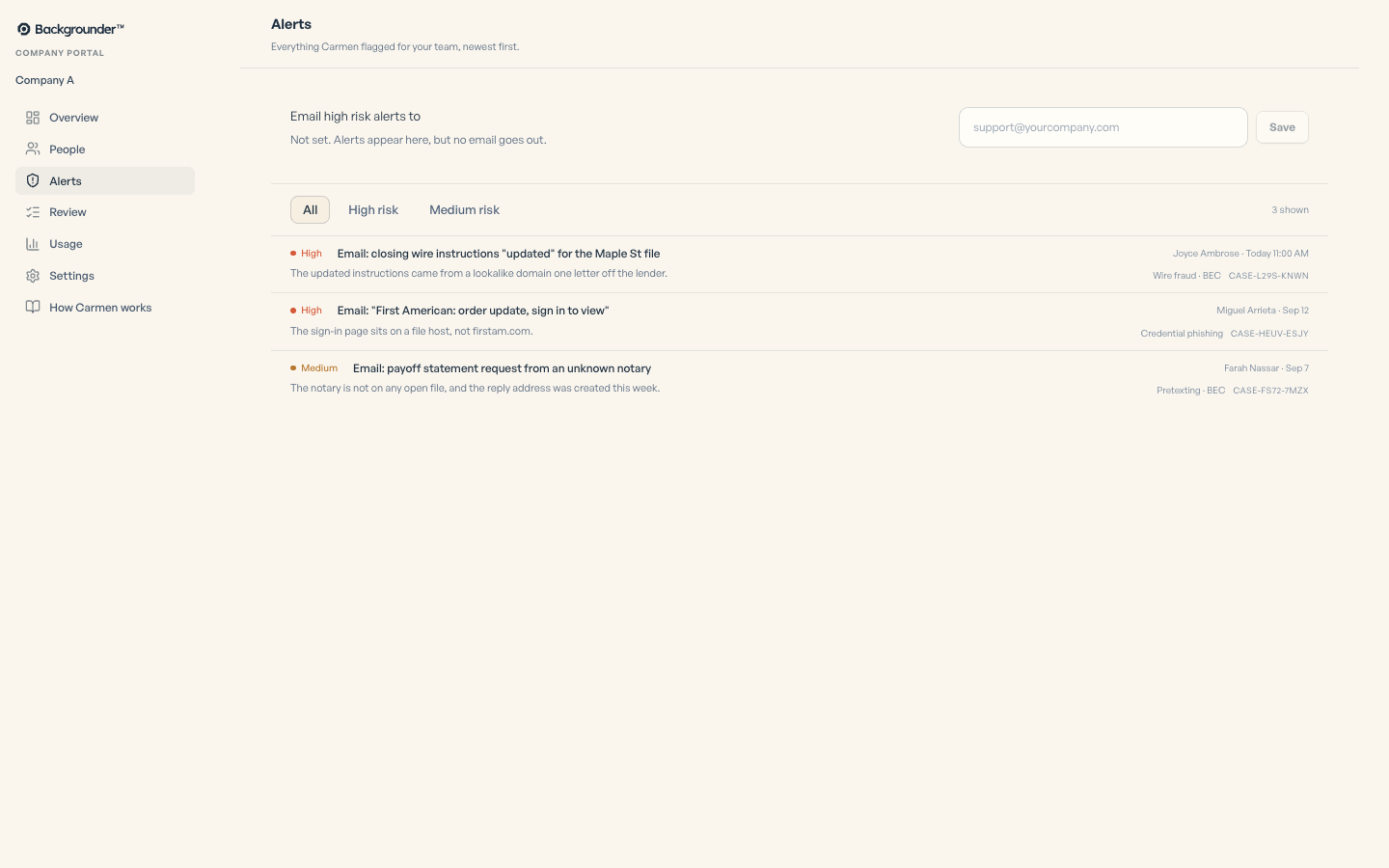
An alert is created for any High or Medium result on any person's browser, mailbox or phone. The person is told on their own device at the same time.
Working an alert
Open the alert and read what Carmen saw. Mark as safe if you know it is fine. Mark for review if someone should look. Every action is recorded with your name and the time.
The queue
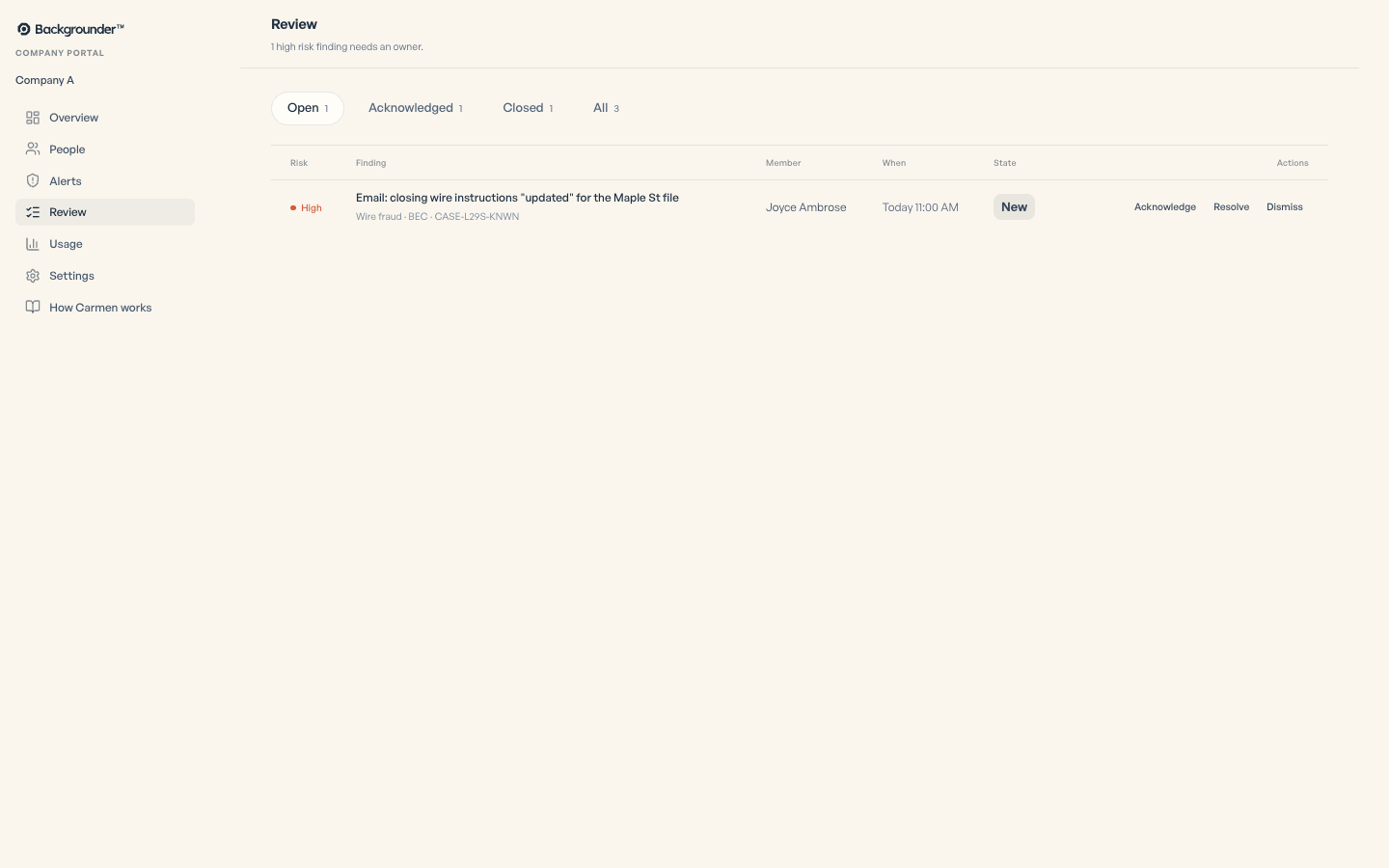
An alert is Open, Acknowledged or Closed. Acknowledge takes ownership. Resolve closes it. Dismiss closes it as not a problem. Reopen if it comes back.
Escalate to a human researcher
Hand a case to a Backgrounder researcher for a human look. This is a paid service, separate from your plan. We confirm the schedule and the cost with you before anything goes ahead.
Escalate to a human researcher
A Backgrounder researcher reviews the case.
We confirm the schedule and cost with you before proceeding.
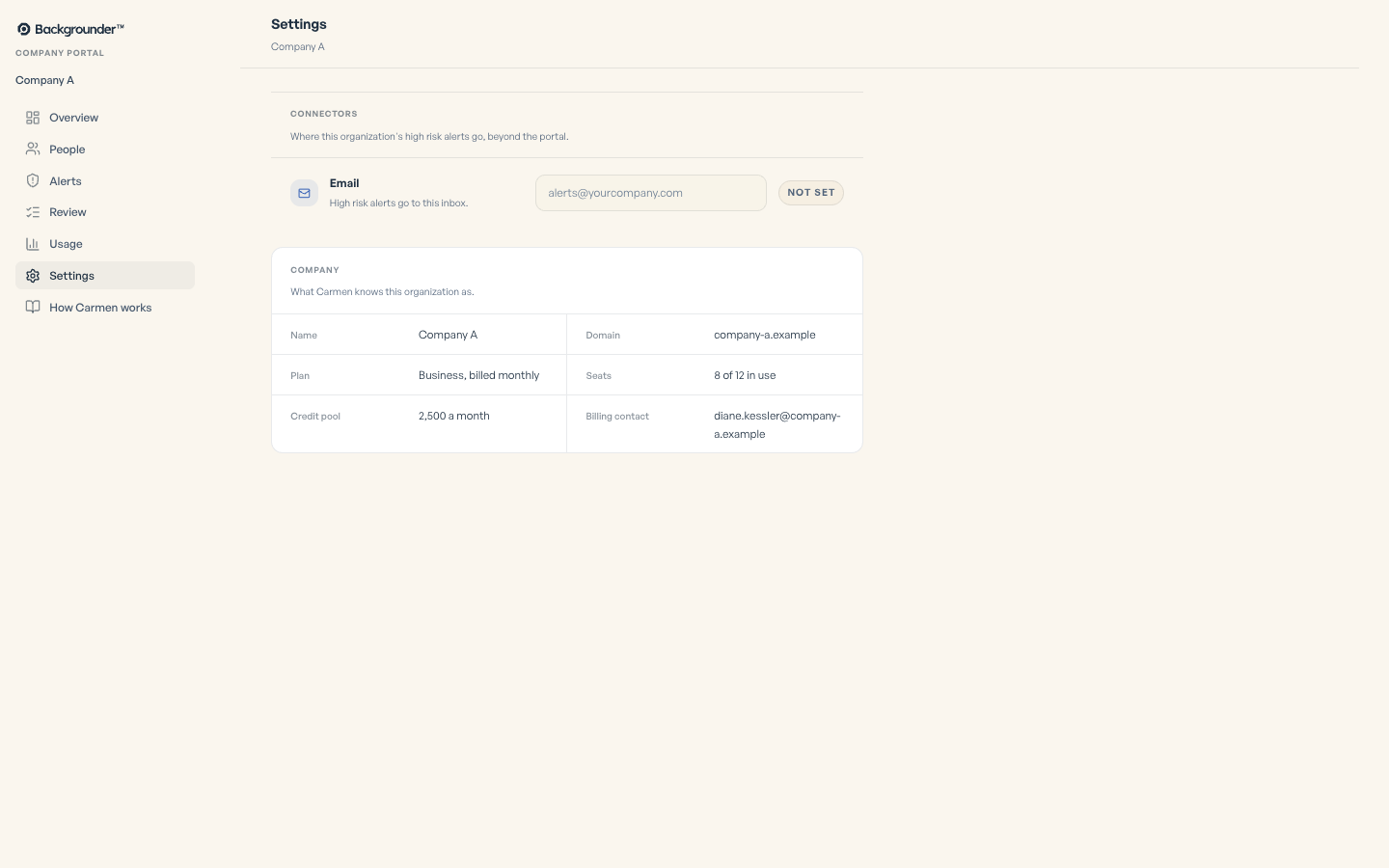
Set one address to receive every High risk alert.
If it did not work
- Alert email not arriving: check the alert address and check spam.