How Carmen works for a company.
Coming with the company portal.
Your company gets one account with a seat per person, screening included, and one place to see what Carmen flagged.
What you get from Carmen
Your company gets one account, with a seat for each person. Screening is included on every seat. You see what Carmen flagged and who is protected in one place.
How Carmen decides is the same everywhere.
Seats
Each seat covers one person's browser, mailbox and phone at normal human volume. You buy seats at checkout and invite people. Each person sets up their own products in a few minutes. A seat added mid month is a full month. When you remove a person, their seat opens for someone else.
What every seat includes
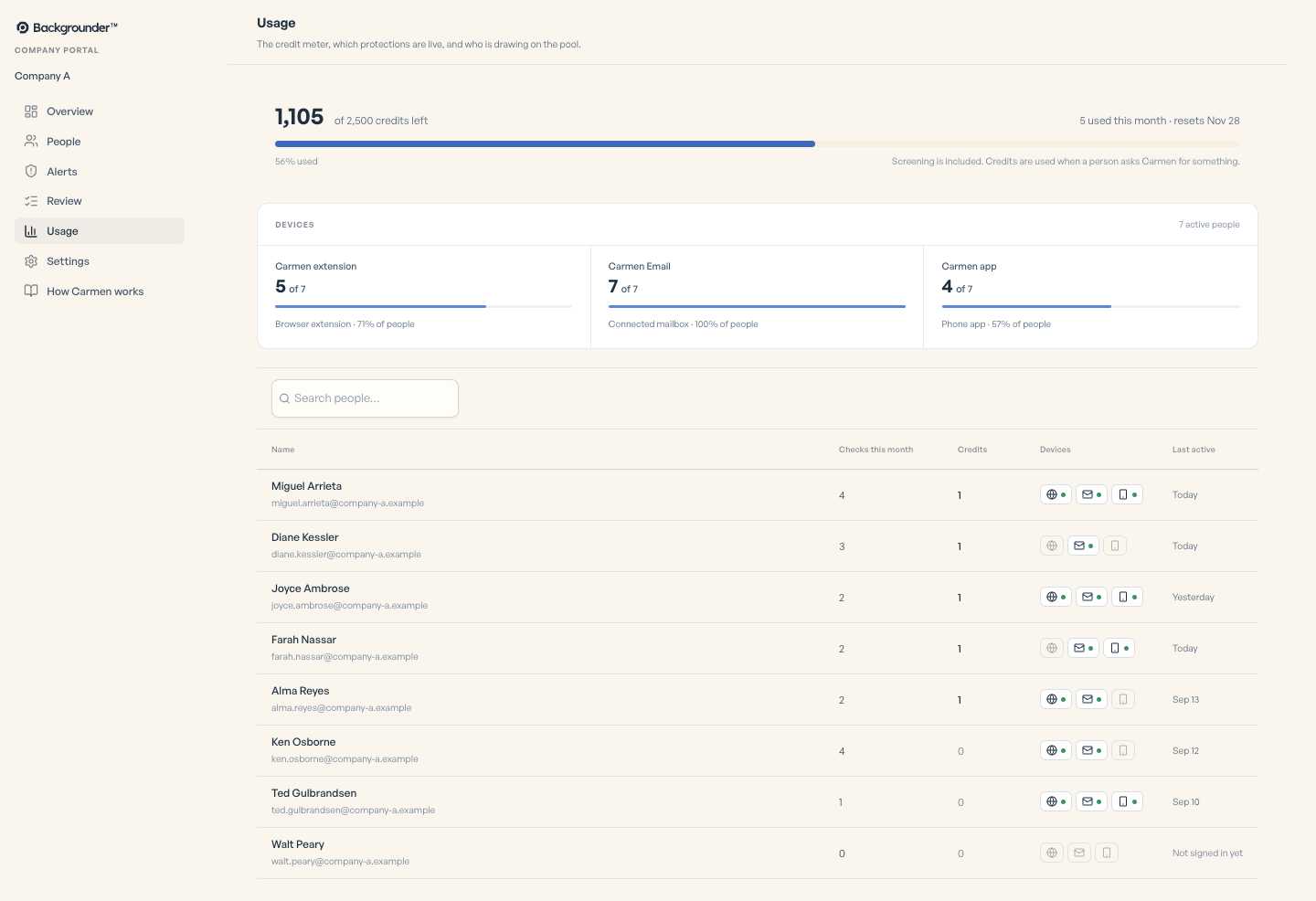
Automatic screening on all three products is included and never counted. 650 credits a month per seat, pooled across the company, for the checks people ask for: Carmen Light is 5, Carmen Basic 25 and Carmen Advanced 250, with the written report included.
What the admin sees
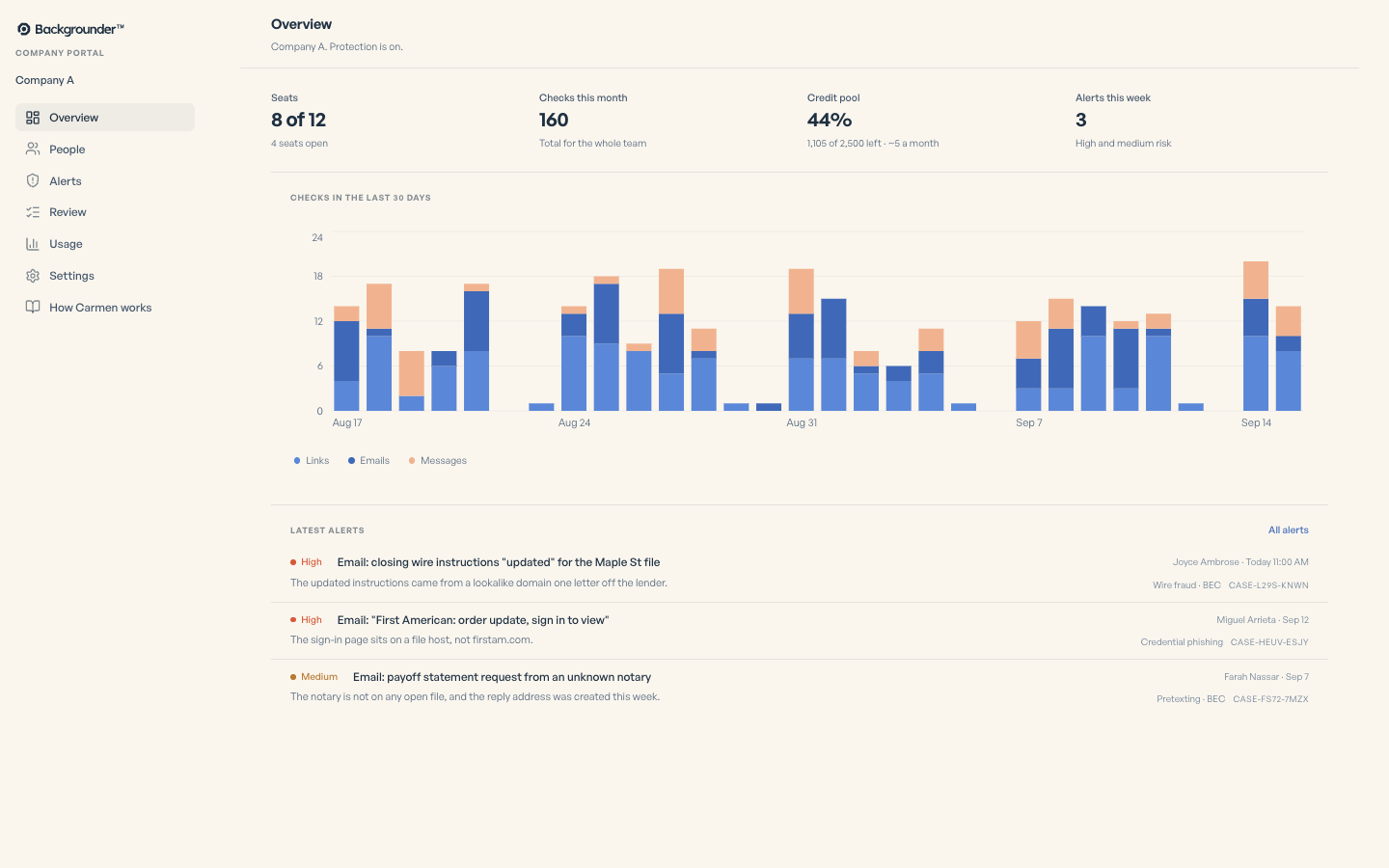
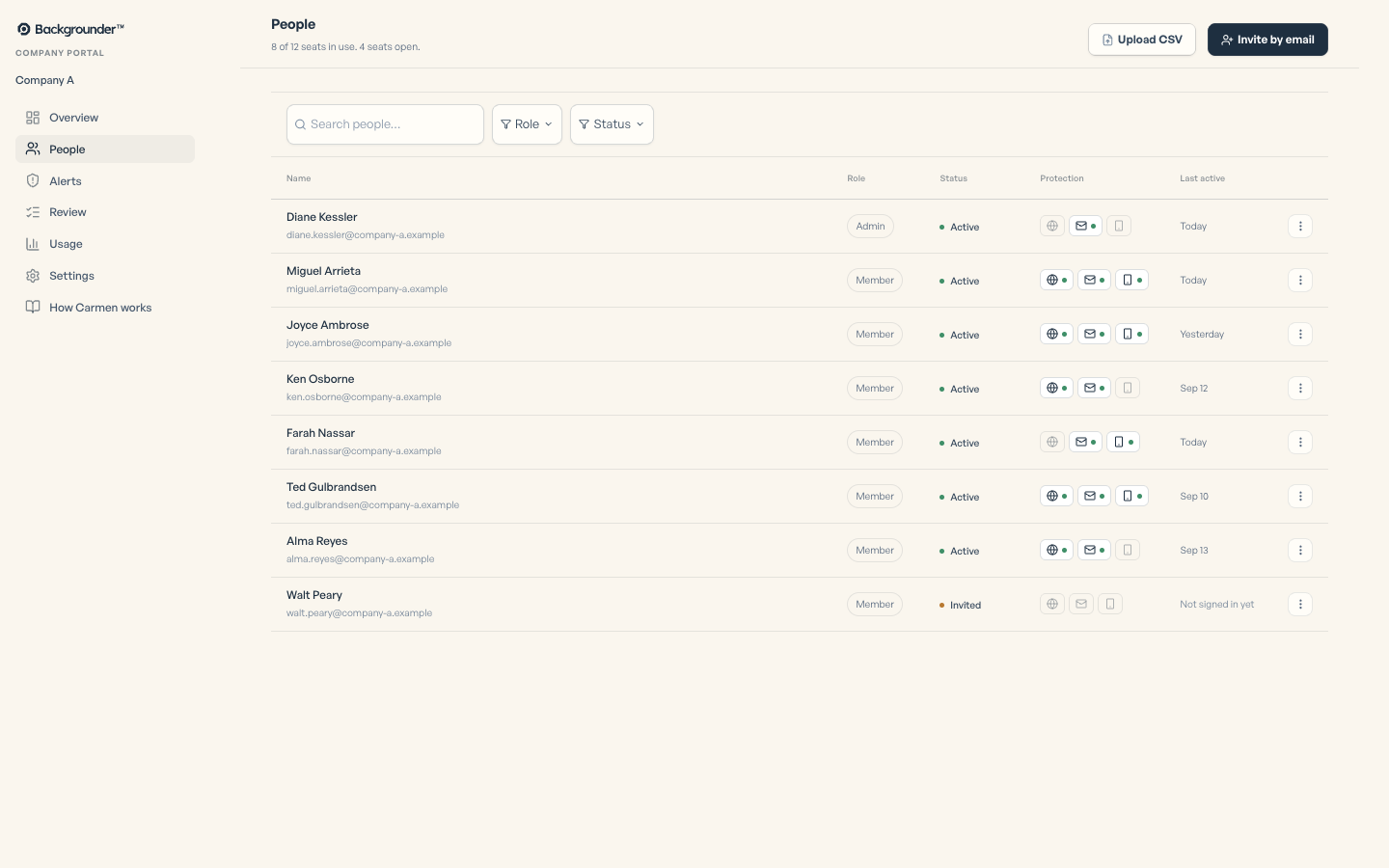
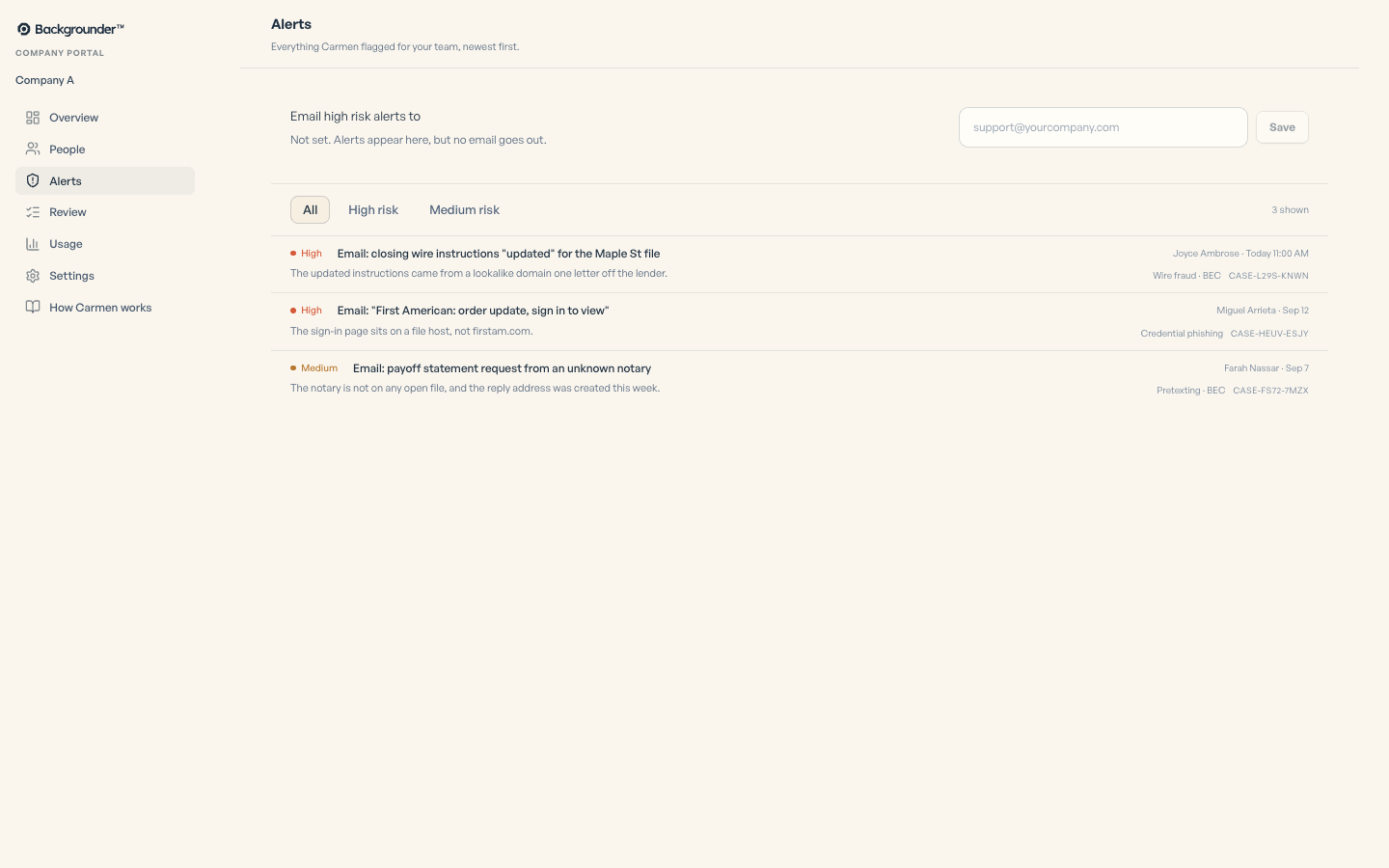
Overview: seats in use, checks this month, how much of the credit pool is left, alerts this week. People: who has accepted, who has the extension, who has a mailbox connected, who has not started. Alerts: everything Carmen flagged for the team, newest first, High and Medium.
Opening an alert
An alert shows who it was for, when, the risk level, and what Carmen saw step by step: captured, the quick check with each signal, the analysis with each piece of evidence, the verdict, who was notified. Below that are two buttons: Mark as safe and Mark for review.
The review queue
High risk alerts are worked like tickets. Their states are open, seen, acknowledged, resolved and dismissed. Every change records who did it and when. That record is your audit trail.
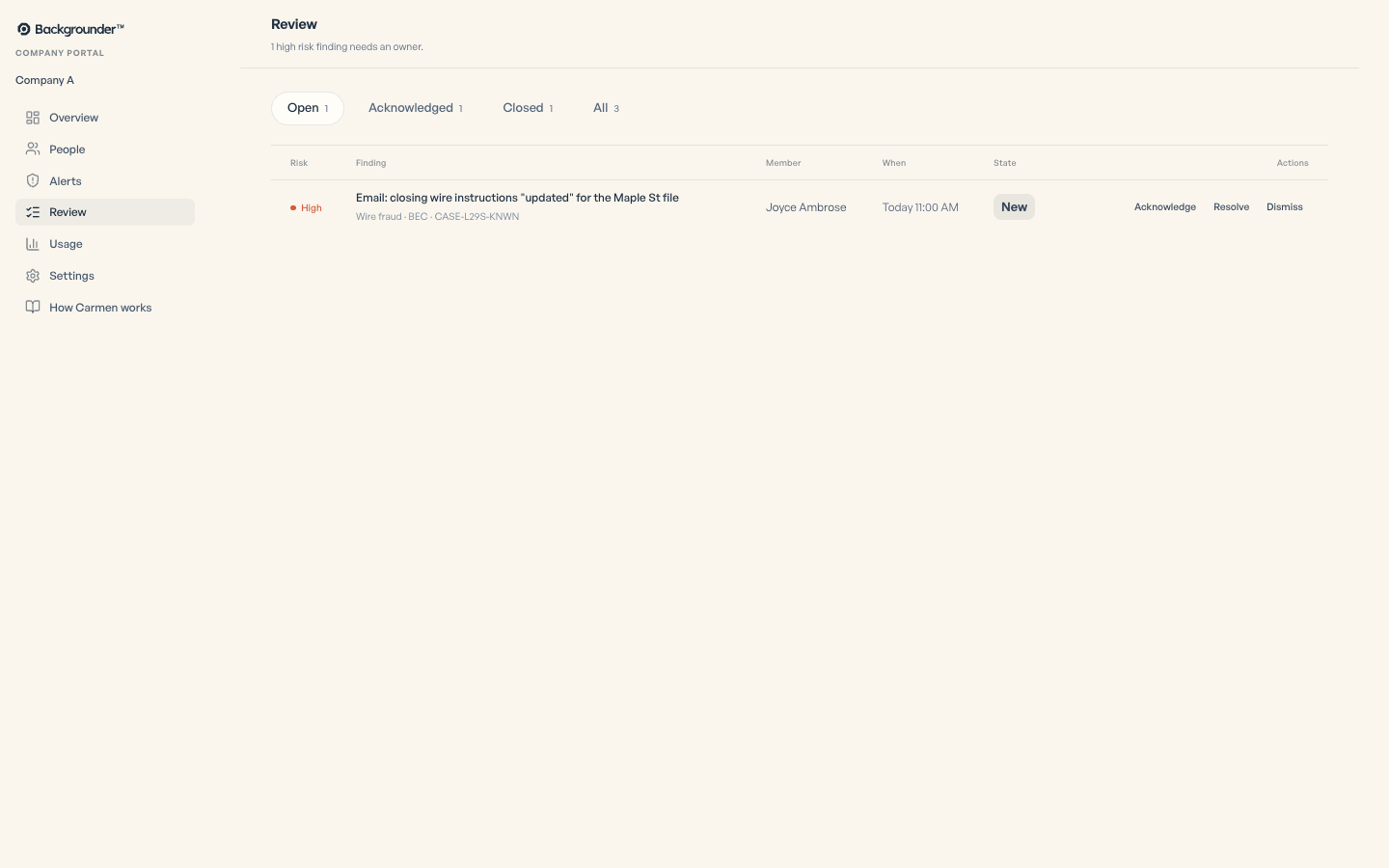
Email alerts for the company
Every High risk verdict can also go to one address you choose, so it lands in your ticket system.
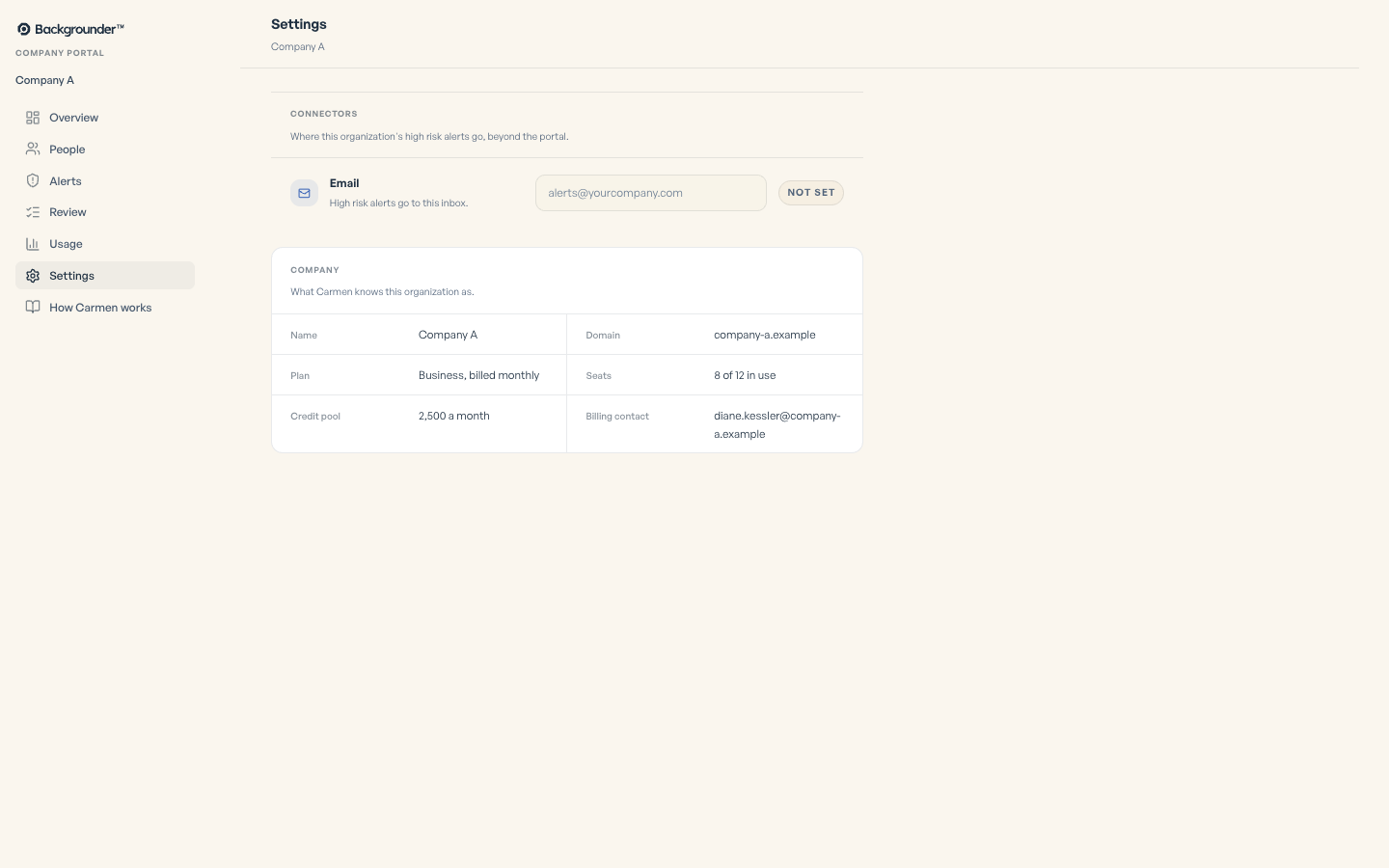
What your admin can see
Company portal admins can review flagged items, including the verdict and reasons. Admins can also see connection status and check counts.