Connect your Gmail.
Nothing to install. About a minute.
Ask Carmen
02
Connect Gmail
If your mailbox is not already connected by your company, open Settings, then Integrations, and click Connect Gmail. You can also connect from the Carmen app during setup.
Carmen Email
Settings / Integrations
Connect your inbox
 GmailConnect Gmail
Microsoft 365Connect Outlook
03
Approve on Google’s screen
If your company has approved Carmen, you will not see a permissions screen. If Google shows what Carmen is asking for (read your email), click Allow.
Google
GoogleAllow Backgrounder to read your mail
Read your email.
CancelAllow
04
Done
Carmen screens new mail from now on. You get an email when something is Medium or High.
Carmen Email
Settings / Integrations
Connect your inbox
GmailConnectedMicrosoft 365Connect Outlook
05
Run your first check
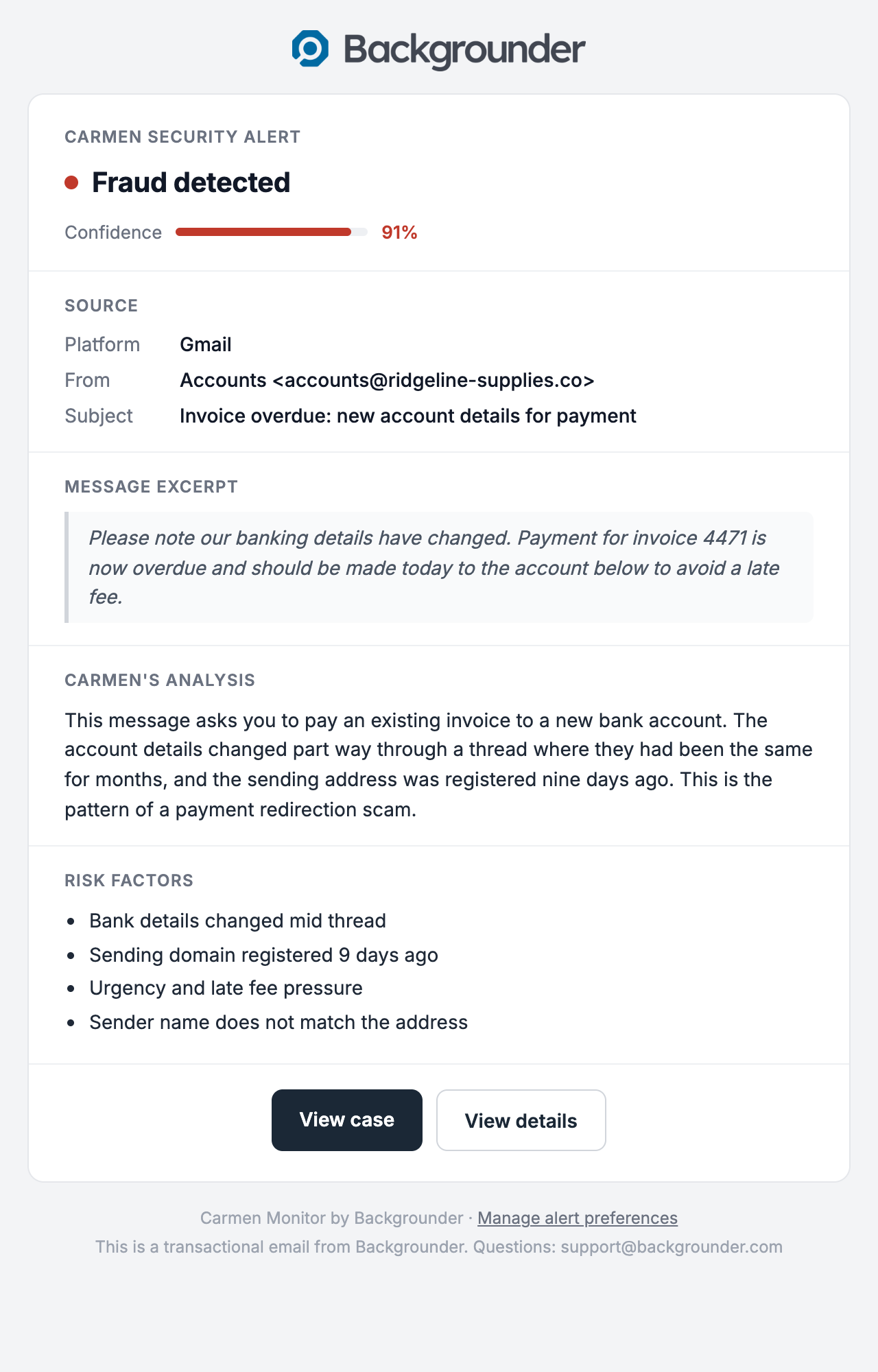
Forward yourself an old suspicious email, or wait for the next one. Open the case from the alert email.
Carmen Email
If it did not work
- Google says the app is unverified or blocked: your Workspace admin has to allow it. See above.
- Connected but no alerts: nothing was Medium or High yet. Open the activity list in the app.
- Connection dropped: open Settings, Integrations and connect again.