How Carmen Email works.
Connect a mailbox once and Carmen watches new mail as it lands.
How Carmen Email works
Carmen Email is a smart connector for your email inbox. Connect a mailbox once and Carmen watches new mail as it lands. When something looks suspicious it gets a full check, and you get an email back with the verdict, the reasons and what to do. You can also forward an email to Carmen yourself.
To forward one, send it to the forwarding address shown in your settings.
For everything Carmen can do, open the web app.
How Carmen decides is the same everywhere.
Connecting
There are two ways to connect a company mailbox. If your admin has already connected the company's mail, your mailbox is protected and there is nothing for you to do. Otherwise, connect your own Gmail or Microsoft 365 mailbox from Settings, Integrations in the web app, or from the Carmen app during setup.
Sign in on Google's or Microsoft's own screen. If your admin has approved Carmen for the company, you will not see a permissions screen. If a permissions screen appears, allow Carmen to read your mail. Carmen never gets your password.
Settings / Integrations
Connect your inbox
 GmailConnect Gmail
What Carmen reads
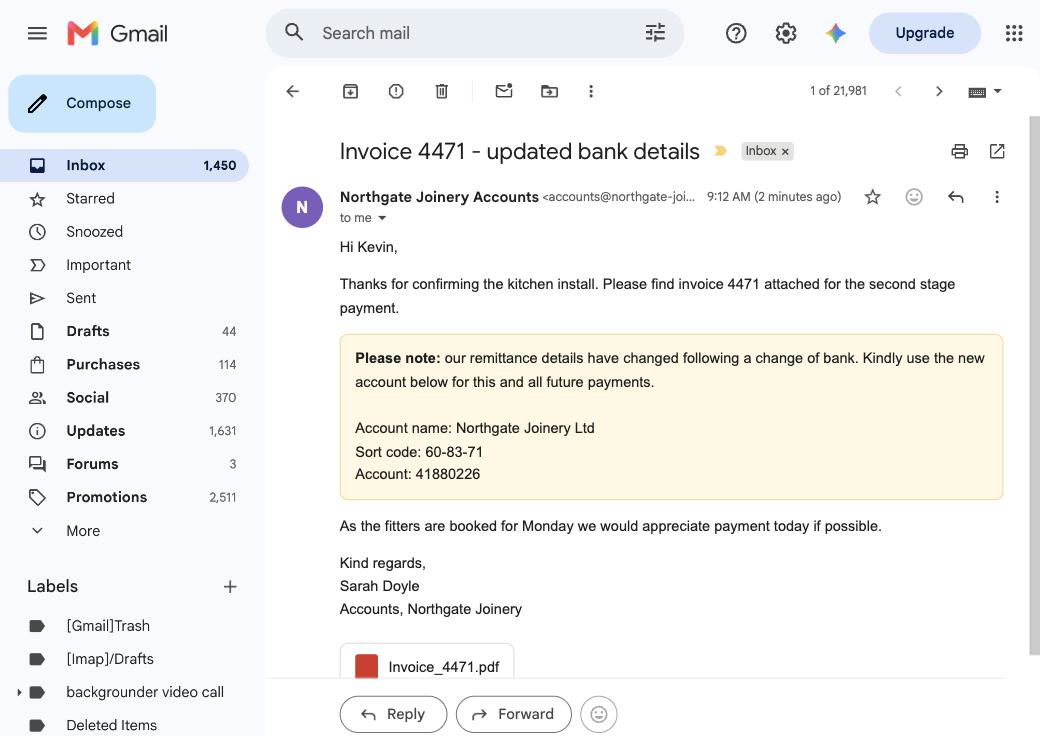
Carmen reads new mail in the inbox as it lands. It checks the sender and whether the mail really came from where it claims (the SPF, DKIM and DMARC checks, reply to and return path mismatches, a display name that does not match the address, a lookalike of your own domain, first contact from a sender). It checks the links and where they really go. It reads the wording for urgency, a fee, a deadline or changed bank details. It reads attachments, including the text inside images. Personal details are removed before the analysis runs.
What happens to each email
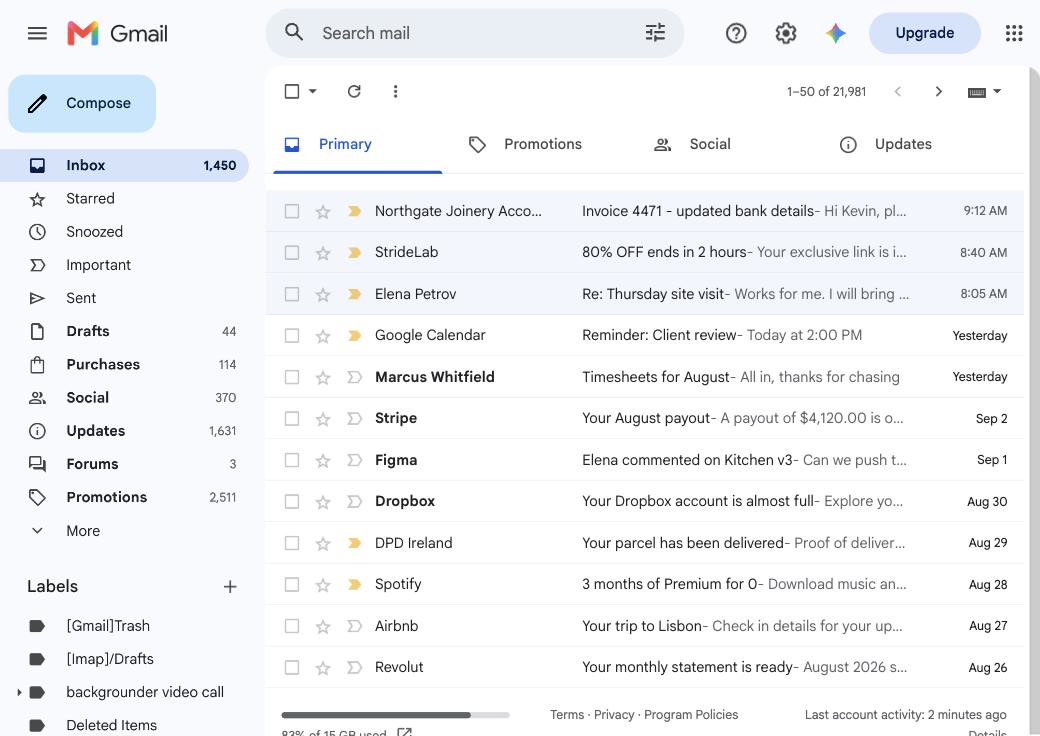
Carmen screens new mail as it arrives. Suspicious emails that meet Carmen's criteria get the full check. Most mail is routine and you hear nothing. When something is Medium or High risk, you get an email.
The alert
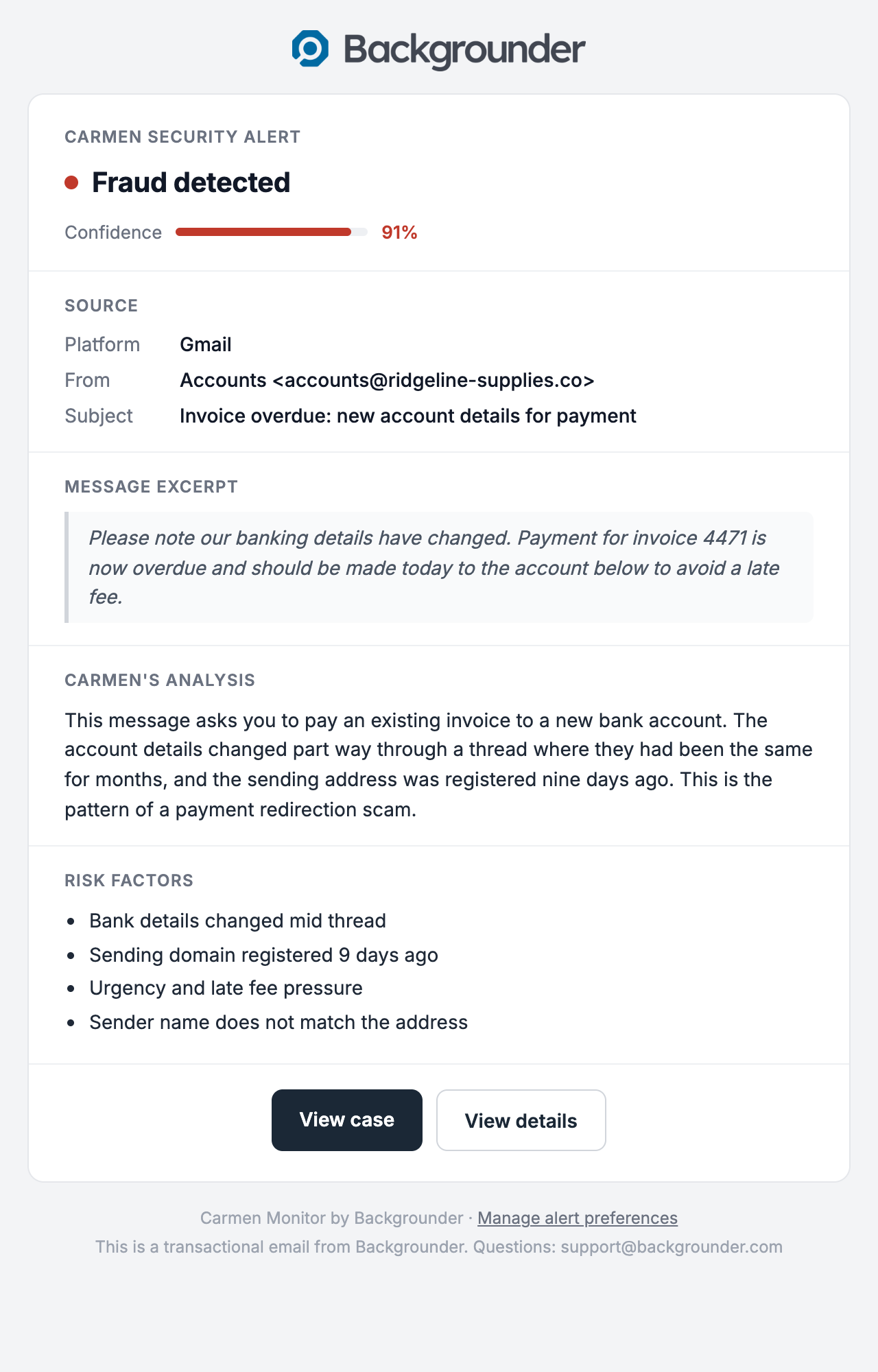
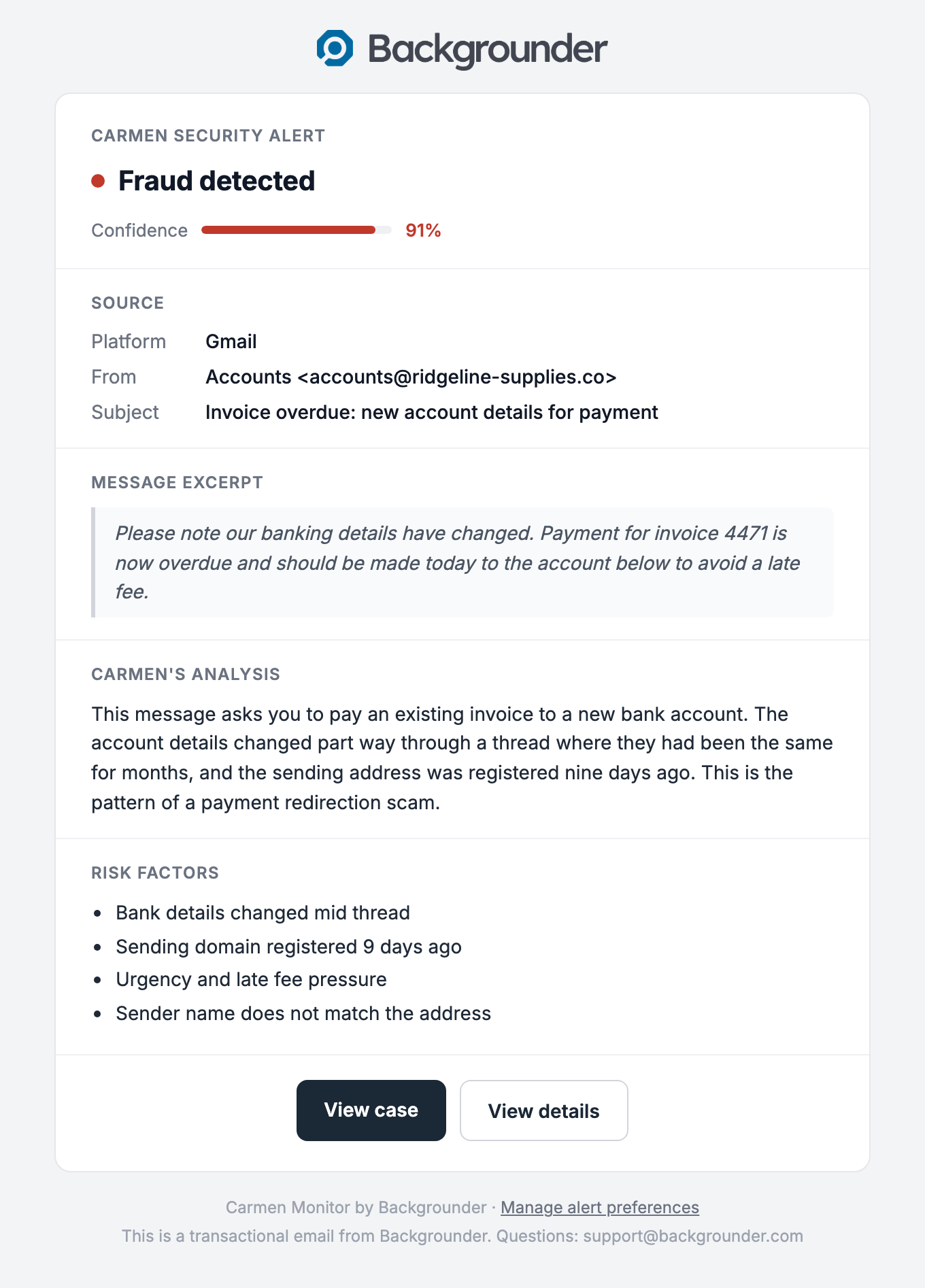
When something is Medium or High risk you get an email from Carmen: the verdict, who it was from, the subject, a short quote from the message, Carmen's reasons in plain words, and a button to open the case. Alerts go to the address of the mailbox that received the email.
What is kept
Carmen keeps the verdict, the reasons, which mailbox it was for, and when. The email itself is kept for 30 days for the case record, then deleted. Carmen never sends, moves, replies to or deletes mail.
What is kept
Behind your existing email security
Your spam and malware filter still runs first. Carmen reads what gets through for the scam, identity and pressure signals a filter is not built to read. It does not replace your filter and it does not block mail.