Create your company account.
Sign up, choose seats, pay, create your admin account, then invite people. A few minutes.
Sign up
On the pricing page, under Business, click Get started. Enter your name, work email and company name.
Create your company account
Choose seats and pay
Choose how many seats and pay at checkout. Each seat covers one person and costs $9.99 a month. There is no minimum.
Business
Check your email
Carmen sends you a link to create your admin account. Set your password and sign in.
Create your admin account
From Carmen
Your company account is ready. Create your admin account to get started.
Create admin accountInvite your people
Coming with the company portal.
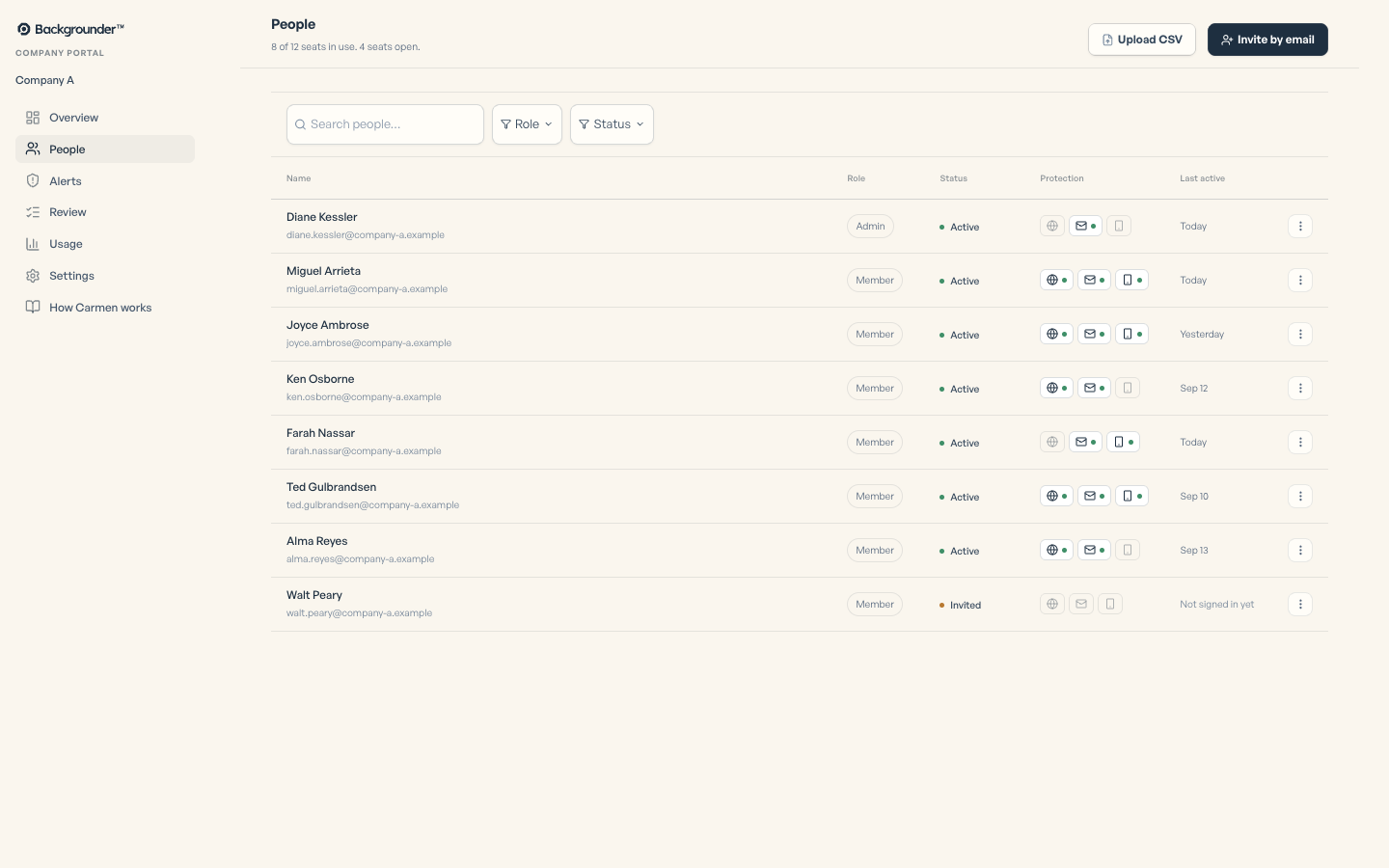
Paste email addresses or upload a CSV. Each person gets an invite with the steps in Get started at work.
Watch them connect
Coming with the company portal.
The People page shows who has accepted, who has the extension, who has a mailbox connected, who has the app, and who has not started.
If it did not work
- Invite not received: check spam, then resend the invite from People.