Carmen for your workforce.
Coming with the company portal.
Everything in Carmen for a company, plus single sign on, directory provisioning and audit logs.
Single sign on
Single sign on works with SAML and OIDC through Okta, Microsoft Entra ID or Google Workspace. Your people sign in with the company account and do not need a Carmen password.
Provisioning
Connect your directory (SCIM). Seats are added when a person joins the directory and removed when they leave.
Audit logs
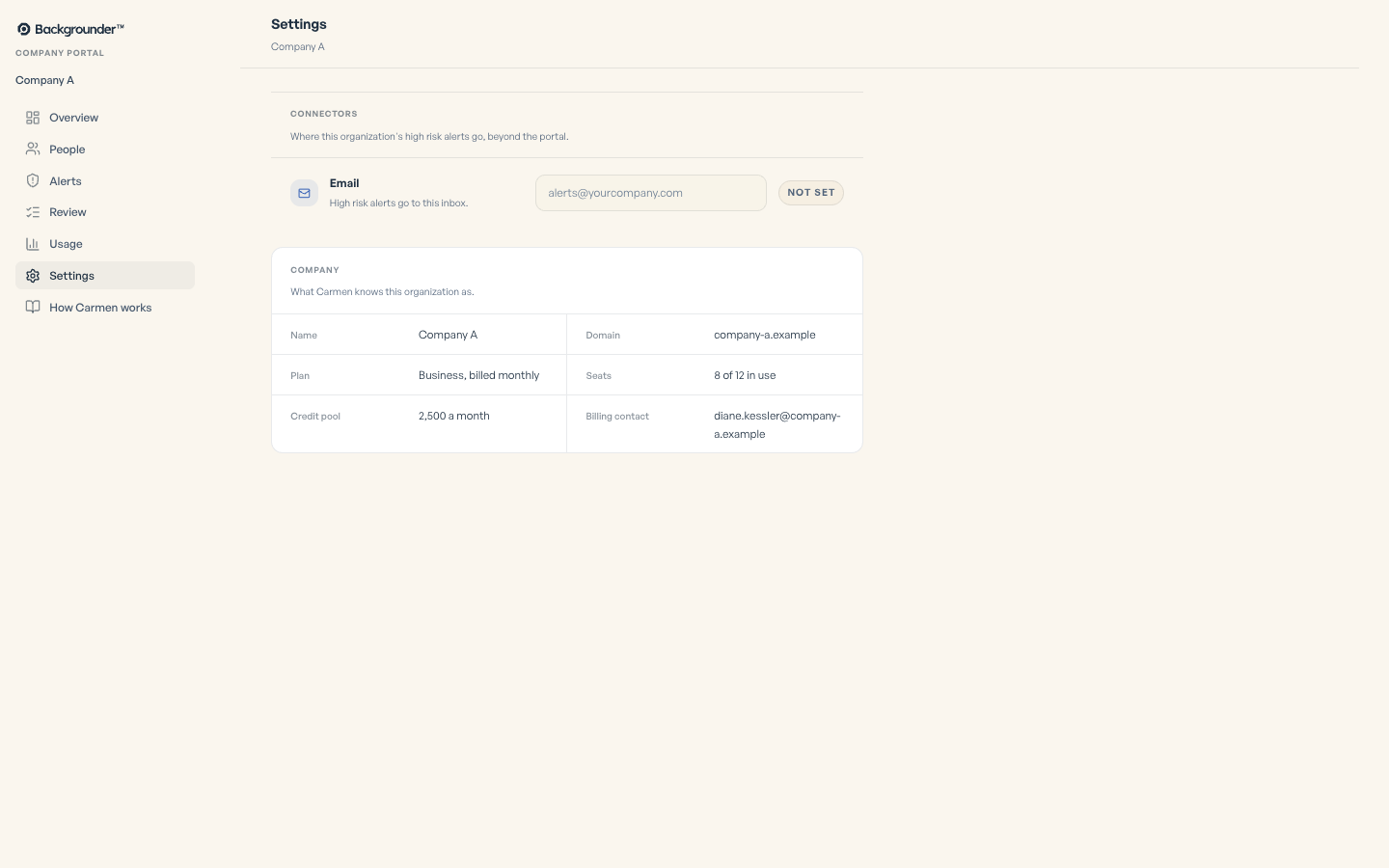
Audit logs record who signed in, who changed what, and every action on an alert. You can export them.
Rollout
An admin approves Carmen Email once for Microsoft 365 or trusts it in Google Workspace. An admin can connect company mail for everyone. Otherwise, each person connects their own mailbox. Admin approval is separate from connecting mail. An admin force installs the extension on managed Chrome. Each person installs the Carmen app. Setup takes about ten minutes per person, once.
What you get to see
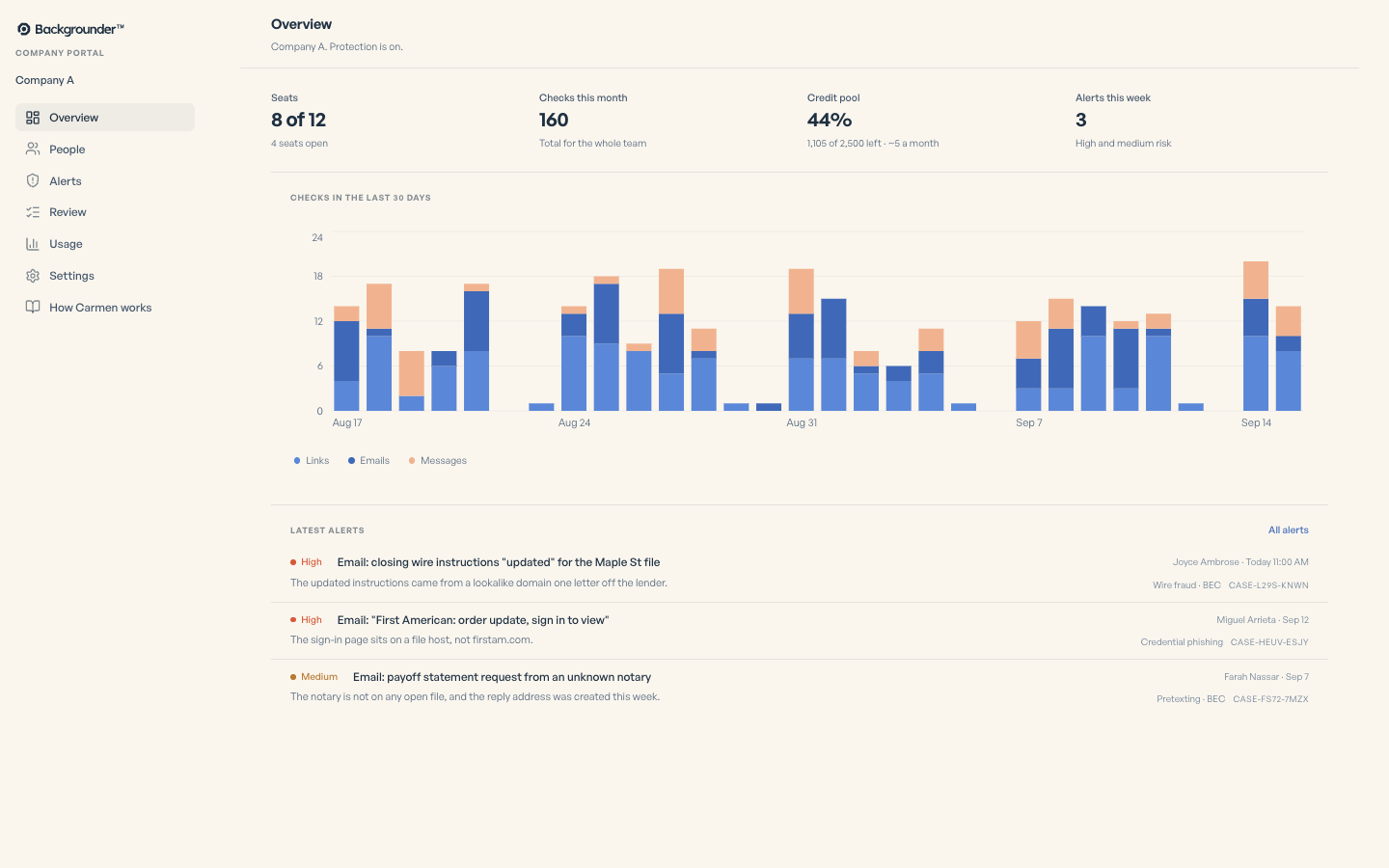
You get the same portal as a company account: people, alerts, review queue, usage and the credit pool.
What Carmen does not do
Carmen is not a brand monitor. It does not block mail or pages. No person reads messages unless you ask. It does not call something safe when it cannot check it.
MSP partners
Coming with the company portal.
Manage several client companies from one portal. Switch between clients, see open alerts across all of them, and work the review queue for each.
Managing several client companies is a partner arrangement. Talk to us.