How Ask Carmen works.
Ask Carmen is the web app at backgrounder.com/app. Give Carmen anything to check, read the case, and come back to it later.
Everything Carmen can do
Ask Carmen in the web app is where you get everything Carmen can do. That includes any input, every kind of check, every depth, the case with the evidence, the report, sharing, and expert human help when you need it. The extension, Carmen Email and the app each do one job in one place. The web app does all of it.
How Carmen decides is the same everywhere.
What you can give Carmen
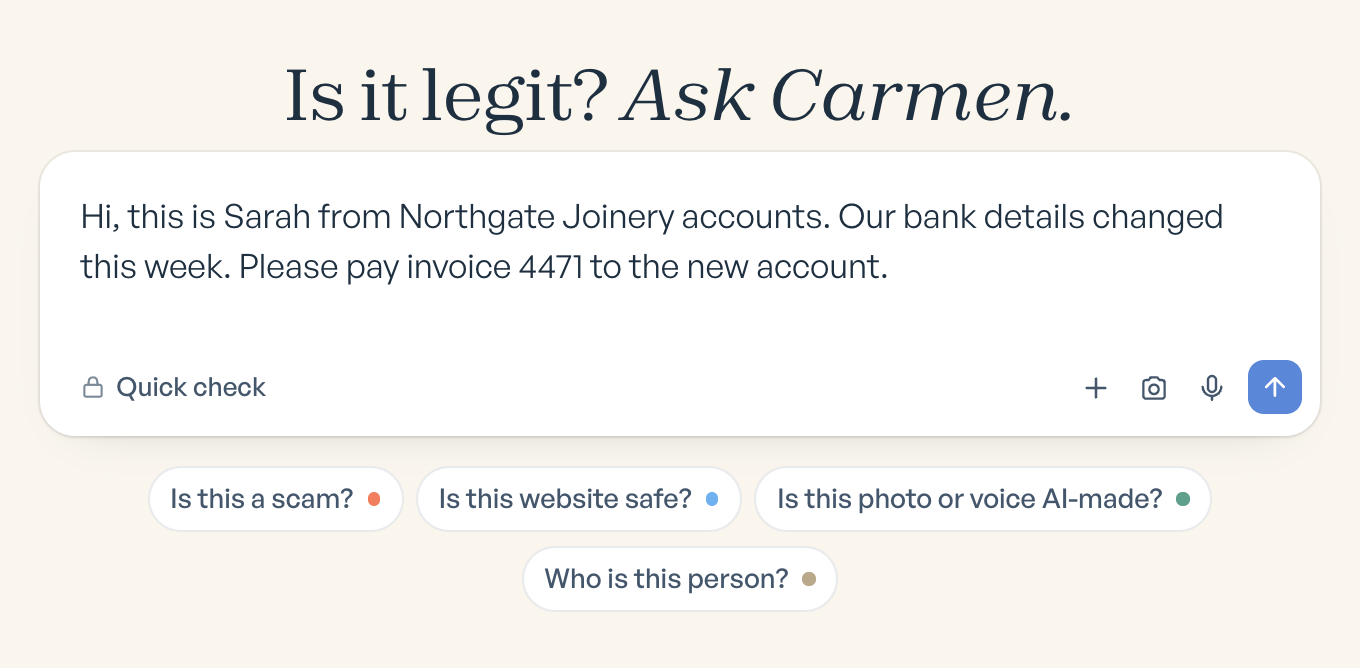
Paste the words of a text or message. Paste an email or attach the .eml file, and the headers are checked too. You can also give Carmen a link, a phone number, a name or a company, a screenshot or photo (a text on someone else's phone, a letter, a listing), a file you were sent (PDF), or a photo or voice clip to check whether it was made or altered by AI. Attach up to five files, 50 MB each, or dictate. Carmen works out what you gave it and runs the right check. The box starts with four suggestions to get you going: Is this a scam, Is this website safe, Is this photo or voice AI made, and Who is this person.
Choose the depth
There are three depths: Carmen Light, Carmen Basic and Carmen Advanced, which comes with a written report. You choose one when you start, or Carmen goes deeper on its own when the quick check flags something. See How Carmen decides.
When credits are used
Only when a person asks Carmen for something.
The case
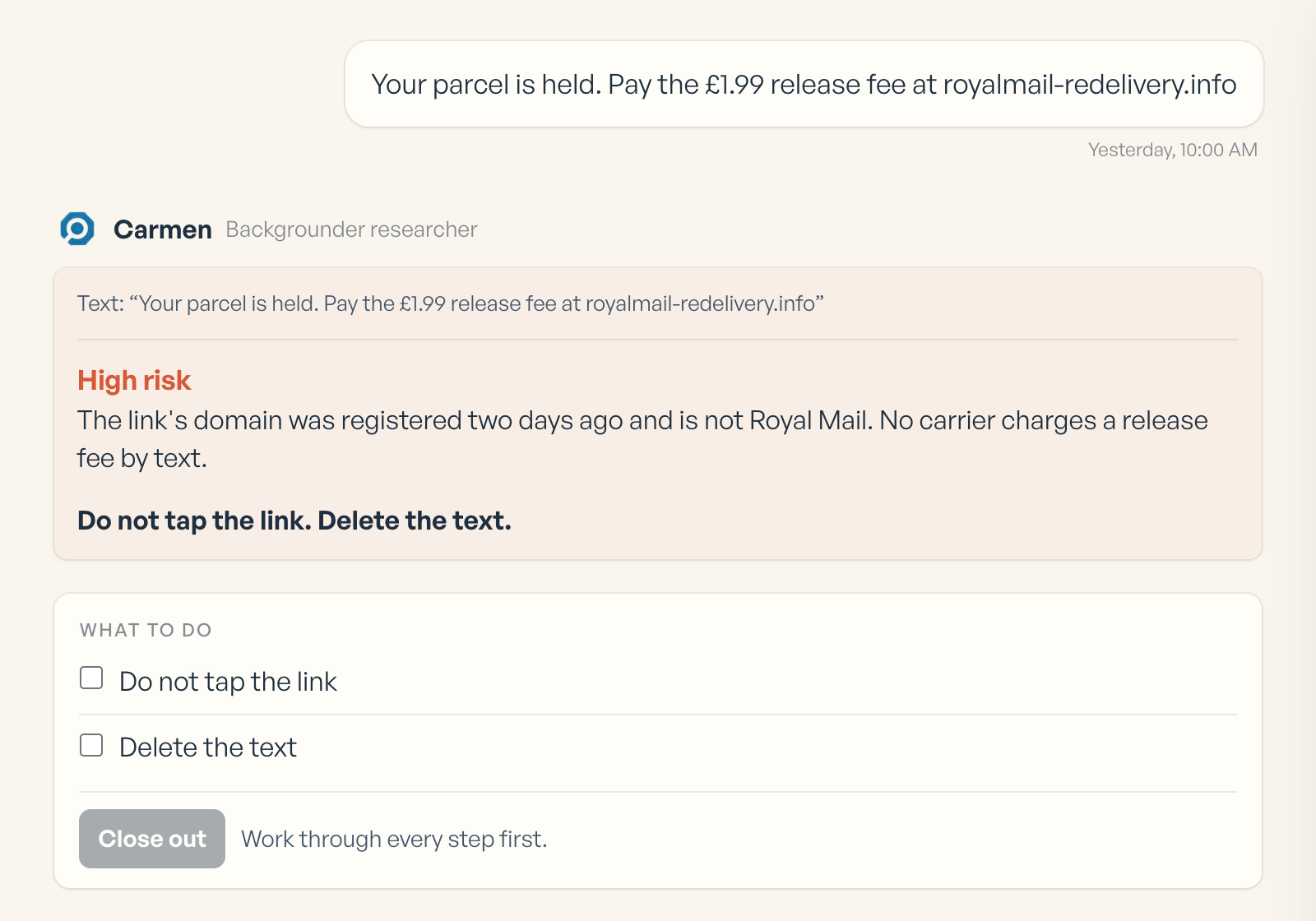
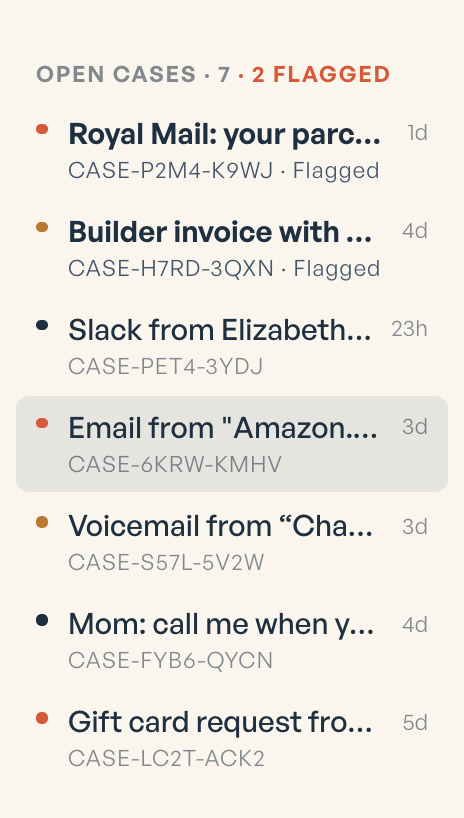
Every check becomes a case. A case holds the verdict, the reasons, what Carmen checked, and a What to do checklist you tick off. You can ask follow up questions in the same case. Cases close on their own after seven days, and you can still read them after that.
Share it
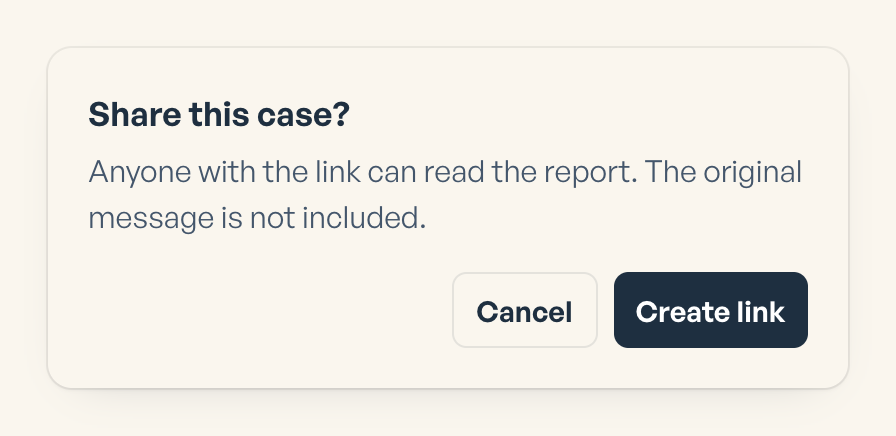
Share a case with a person, or with a link that expires (an hour, a day, a week, a month). The person sees the report. They do not see your account. Revoke a link any time from Privacy.
Download the case as a PDF.
Your cases
Every check becomes a case in the sidebar. Open any case again whenever you need it. Cases close on their own after seven days but stay readable, and Settings shows your usage.
Get expert human help when you need it
If you need a person to help, you can schedule a session with the Backgrounder team from any case. This is a paid add on, separate from your plan, and the price is shown before you book. It is there for people who need extra help with a problem they are dealing with.

Settings
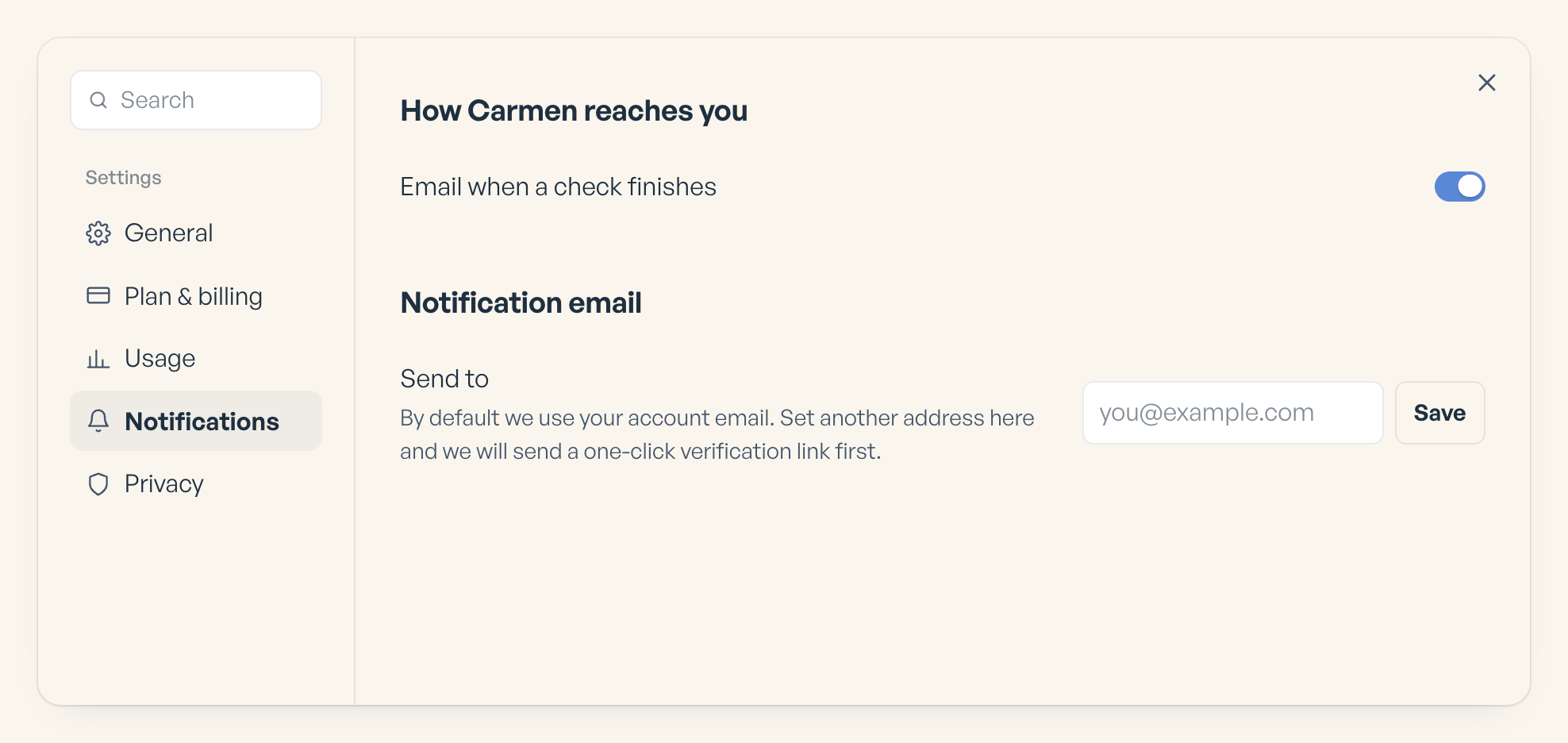
Settings holds your plan and usage, a different email for notifications, notification switches, and the Privacy Centre, where you can export your data, see your login history, or delete your account with a 30 day grace period.