How Carmen decides.
What it looks at, what it consults, and how far it goes.
Start with what is already known
Carmen clears well known companies and sites, senders you have dealt with before, and numbers in your contacts at once. Nothing about them is sent anywhere.
Check against outside sources
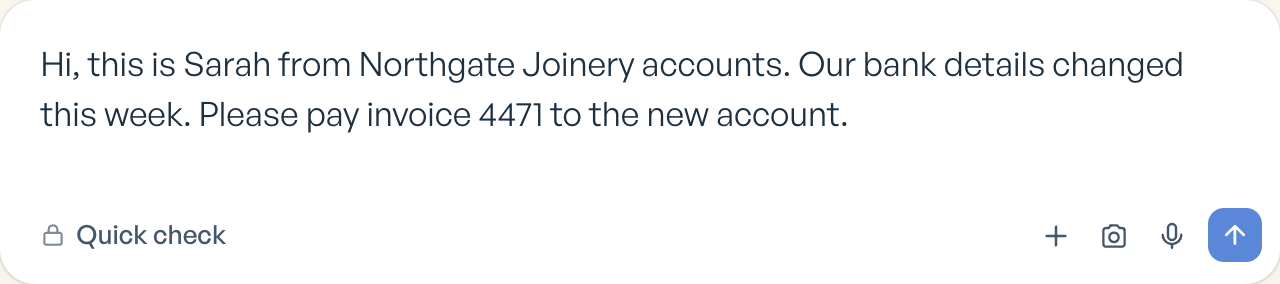
This is the quick check. It takes a few seconds and clears most things. Personal details are removed first.
Carmen checks what you give it against outside sources. Depending on what you gave Carmen, that means: the domain record and how long the address has existed, whether it resolves, what the page behind the link actually asks for, the threat intelligence feeds of known phishing and malware sites, whether the address is a lookalike of a real brand or of your own company, whether an email genuinely came from where it claims, whether the reply goes somewhere else, whether the sender is new to you, what a phone number is and whether it has been reported, public records and company registers for a person or a business, reputation data on crypto wallets and accounts, search engines for what the world already knows about a name, and media analysis for whether a photo or a voice was made or altered by AI. Carmen also always checks whether it has seen this exact content before, because the same message sent to fifty people is a signal in itself.
We add to this list over time. Each source is one more thing a scammer has to fake.

Read the message for scam signs
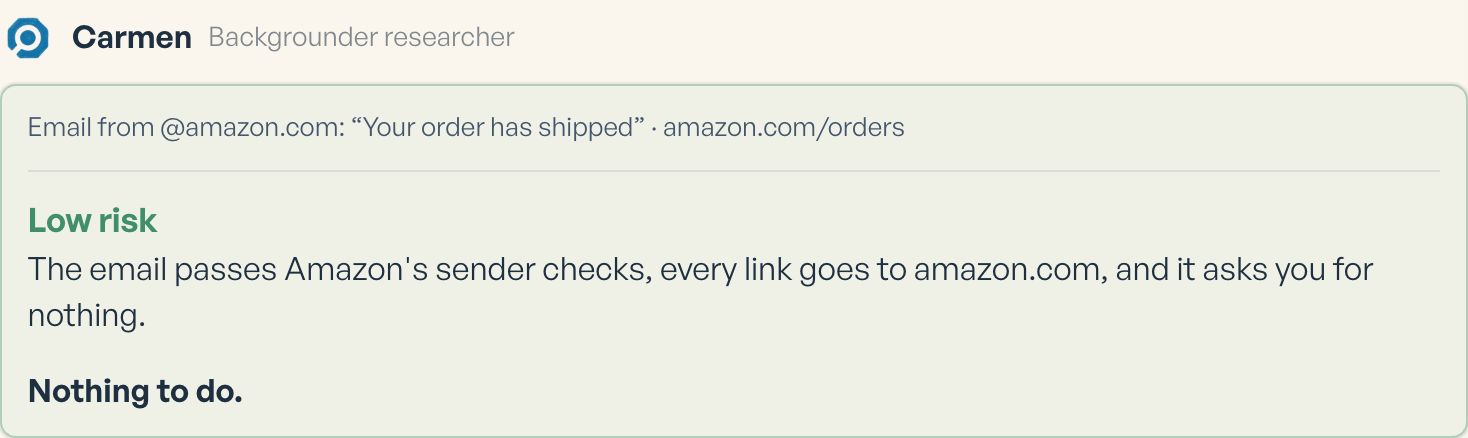
Carmen reads the wording for the signs a fraud team looks for: urgency, a fee, a changed account number, a story that does not hold together. It knows the common scam scripts. Most things come back Low risk at this stage, with a note on what was checked.
Run a deep analysis when something looks wrong
This is the deep analysis. It uses more sources and a closer reading, and usually takes under a minute. It runs when the quick check flags something, or when you ask for it. If Carmen cannot verify something, it says what. It does not mark anything safe that it could not check.
Answer in a way you can act on
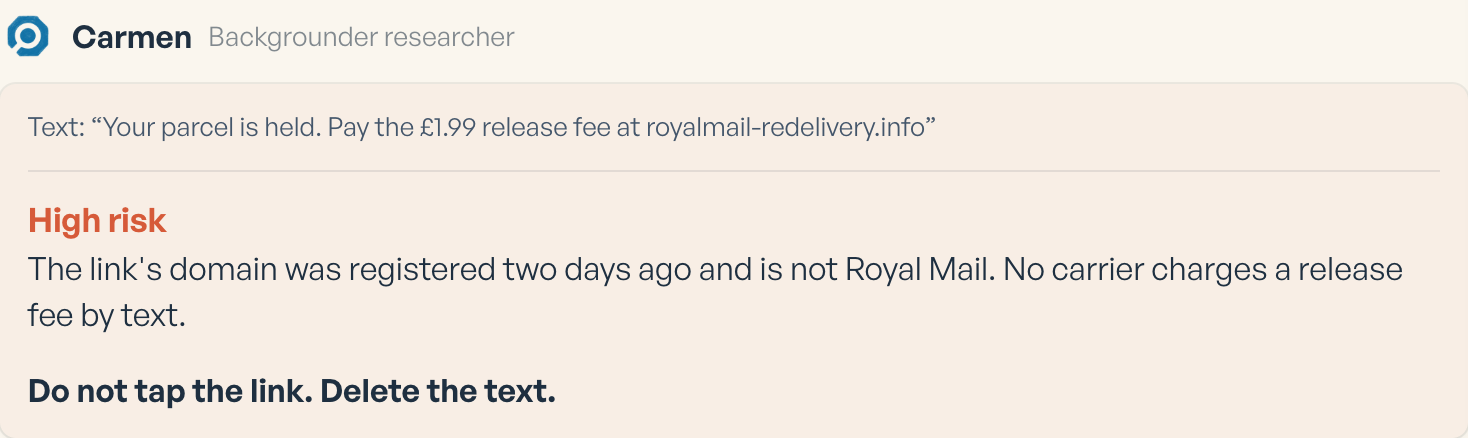
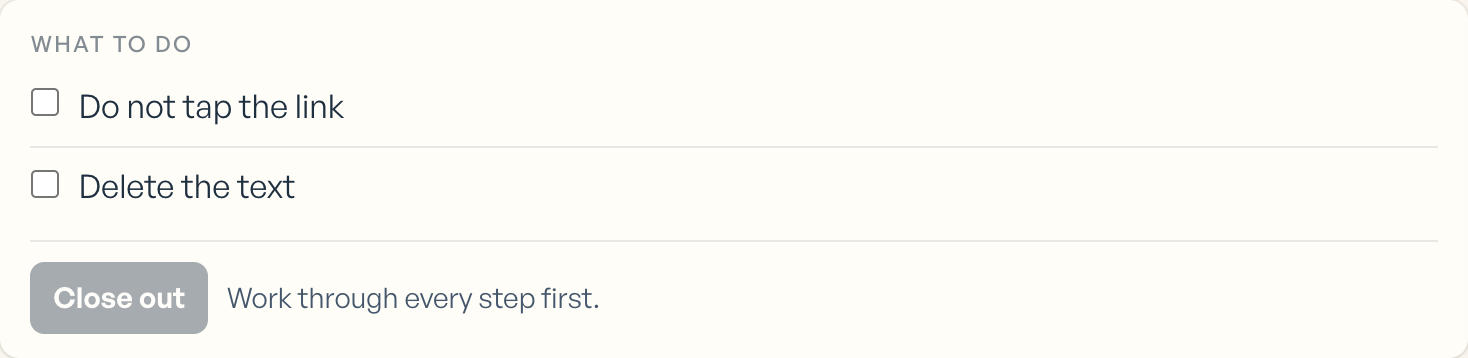
You get Low, Medium or High risk, the reasons, up to six pieces of evidence with where each came from, and one thing to do. You can check again any time.
How deep it goes
| Depth | What it checks | Time | Credits |
|---|---|---|---|
| Carmen Light | Is this link, number or sender safe | Seconds | 5 |
| Carmen Basic | A message, email or file read properly with reasons | Under a minute | 25 |
| Carmen Advanced | Every source Carmen can reach, written up as a report. The PDF is free. | A few minutes. It arrives in your activity when it is ready. | 250 |
Everything Carmen does on its own (the page check, the inbox, the texts) is included with a paid plan and never counted. Credits are used only when a person asks Carmen for something: Carmen Light is 5, Carmen Basic 25 and Carmen Advanced 250, with the written report included.
When credits are used
Only when a person asks Carmen for something.