How the Carmen app works.
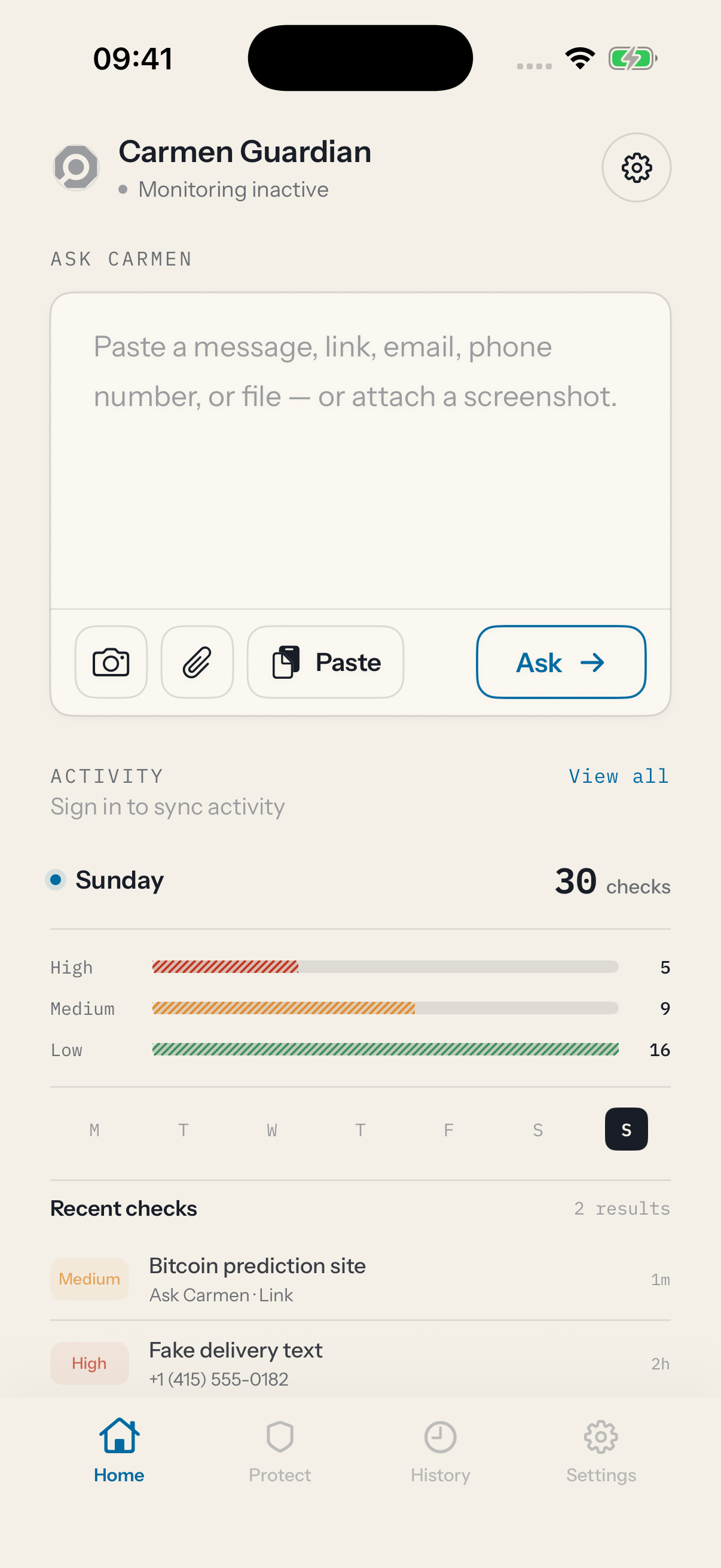
The Carmen app analyses texts from numbers you do not know, checks anything you give it, watches a connected inbox, and tells you when something needs a look.
How the app works
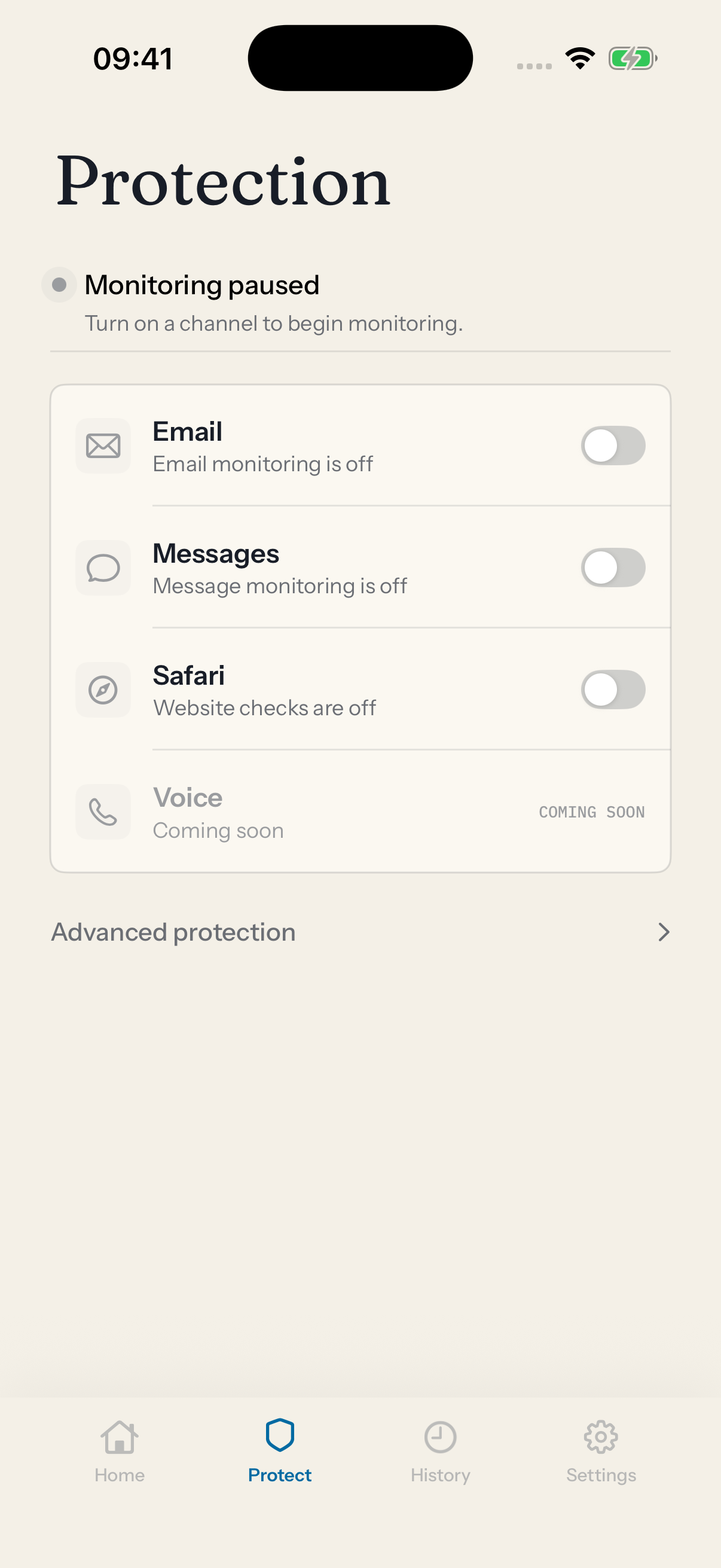
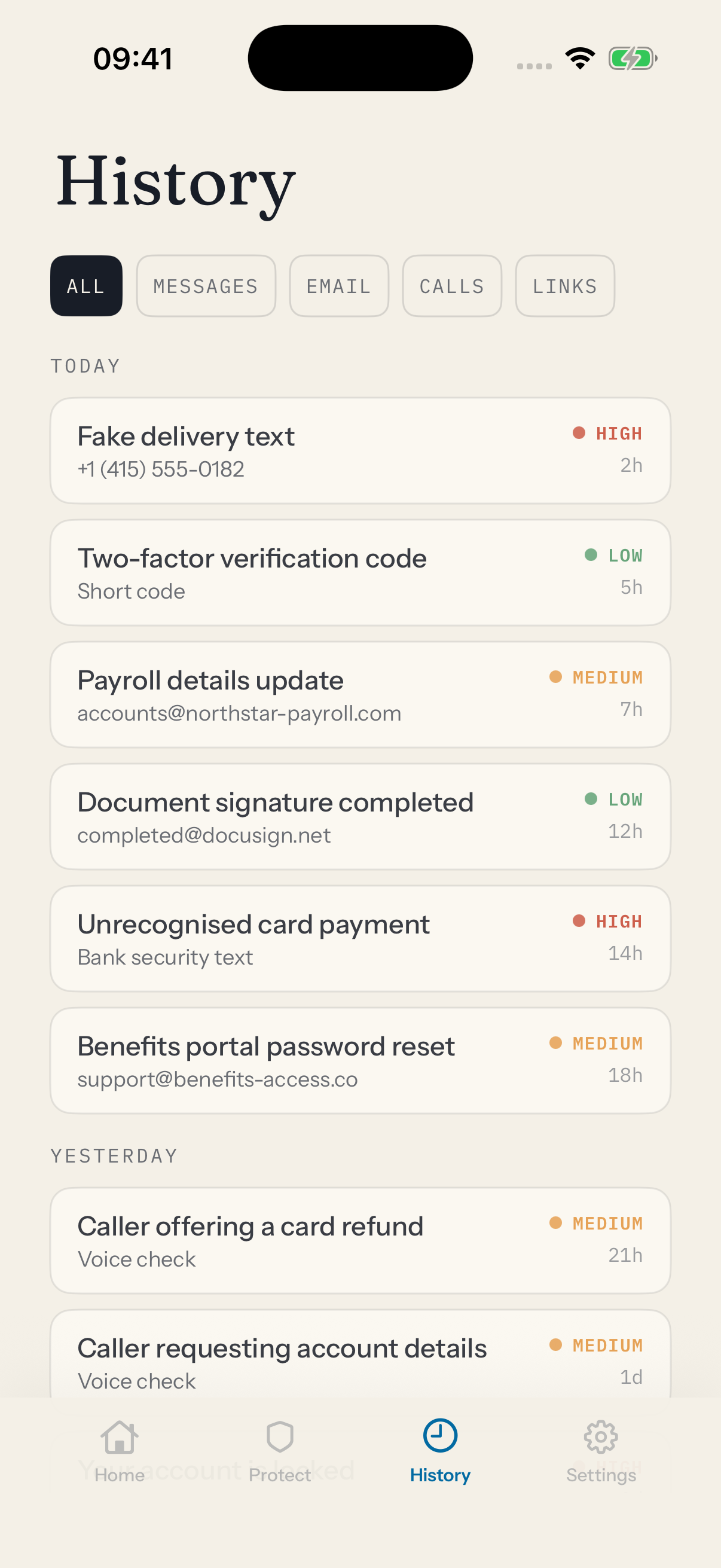
The app screens texts from unknown numbers on its own. It takes anything you paste, share or photograph and sends it to Carmen. It keeps a history and notifies you. It can also connect your mailbox, the same connection as Carmen Email.
For everything Carmen can do, open the web app.
How Carmen decides is the same everywhere.
Analyses texts from numbers you do not know
Once you choose Carmen as your text message filter, every SMS or MMS from a number not in your contacts is checked. The phone checks it first, then Carmen checks it if you have Message protection on. Texts from your contacts are never screened and never leave the phone. iMessages are never screened either, because Apple does not allow any app to see them.
‹ Messages
Text Message Filter
Choose Carmen Guardian to filter messages from unknown senders.
Illustrative
Where flagged texts go
A High risk text goes to the Junk list in Messages (Messages, Filters, Junk). Nothing is deleted. Anything Carmen is unsure about stays in your inbox. Carmen cannot show you the text inside the app, because Apple keeps it in Messages.
‹ Messages
Messages
High risk texts stay in the Junk list. Nothing is deleted.
Illustrative
Ask Carmen in the app
Paste a message, a link, an email or a phone number. Attach a screenshot or a file (a PDF, an image, an .eml). Tap Ask. You get one answer: Low, Medium or High risk, the reasons, and what to do. It is also in the share sheet: on any message, link or photo, tap Share, then Check with Guardian.
Email alerts on your phone
Connect your Gmail or Outlook in the app (Settings, Connections, or during setup). Carmen watches new mail and sends a notification to your phone when something is Medium or High risk. Tap it to open the case. This is the same connection as Carmen Email.
History
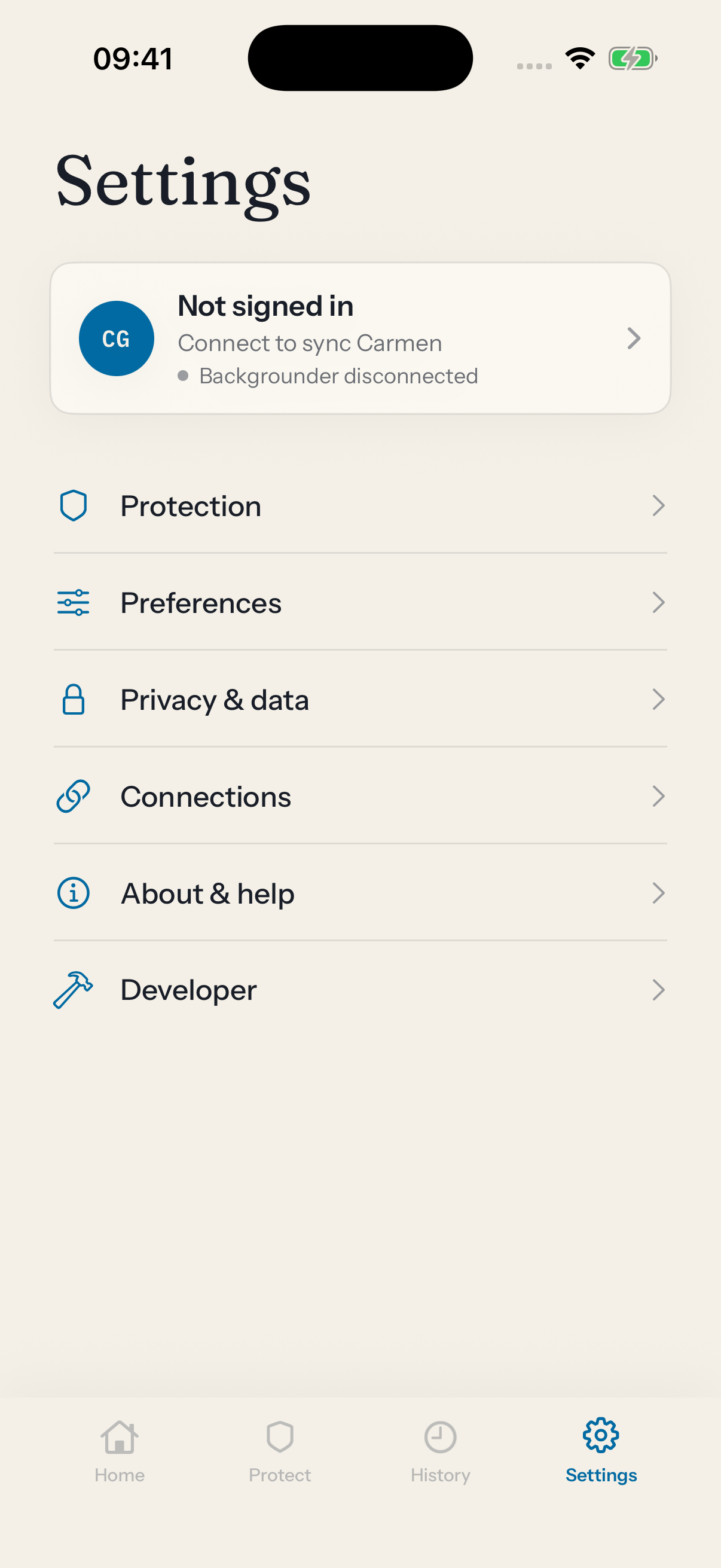
History lists every check, newest first, with the risk level and the sender. Filter by Messages, Email, Calls or Links. Open one for the full record: captured, checked, verdict, notified. From there you can check it again, open the case in the web app, or mark it safe.
Notifications
When Carmen finds something High or Medium risk, you get a notification. Tap it to open the case. Carmen asks for notification permission once, after setup. There is also a Lock Screen widget that shows the latest verdict.

High risk: the text from +1 (415) 555-0182 asks for a release fee
Voice checking
Voice checking is not in the app yet. Protect shows it as unavailable until it ships.